
Last Updated: October 2026
Best Vocal VSTs and Plugins (2026)
The voice is the one instrument an audience recognises instantly.
That is what makes it useful in a score and what makes it unforgiving. A choir pad can lift a cue without the audience noticing it arrived, and an exposed solo line can carry a whole scene, but both fail loudly when the samples do not behave. Consonants that were never recorded, transitions that were never sampled, and a hall baked into the recording that does not match your own are the three that cause most of the trouble.
We test vocal libraries and the processing that sits after them on scoring material: choirs under a full orchestra, solo lines exposed over a sparse texture, and vocal synths carrying a hybrid cue on their own.
The Criteria
We focus on clarity and character:
- Realism: Do sustained vowels and phrases hold up when they are exposed, or only inside a texture?
- Control: Can you shape formant, vibrato and dynamics without artefacts appearing?
- Blend: Does the library sit with an orchestra, or does its recorded room fight the one your cue already lives in?
Our curated lists below cover the essentials.
Start here
New to Vocals? These are the roundups worth reading first.
- Best Ethereal Vocals (2026): Dreamy Textures Voices from another world. We review the best ethereal vocal libraries (Exhale, Vocalise) for cinematic scoring.
- The 7 Best Vocal Reverb Plugins for Professional Mixes Discover the 7 best vocal reverb plugins to sit lead vocals perfectly in a mix without muddying the low-end. Field-tested in professional sessions.
- Best Vocal Libraries Under $50 (2026): Affordable & Emotional Cheap choirs. We review the best budget vocal pads and soloists for adding human texture without breaking the bank.
Vocals deals
03 / LIVECurrent discounts on products we have reviewed. Prices are the store's own, last checked 27 October 2026.
Relab Development 80s Vocals
LX480 Essentials
Vocals
•
By The ModWheel Team
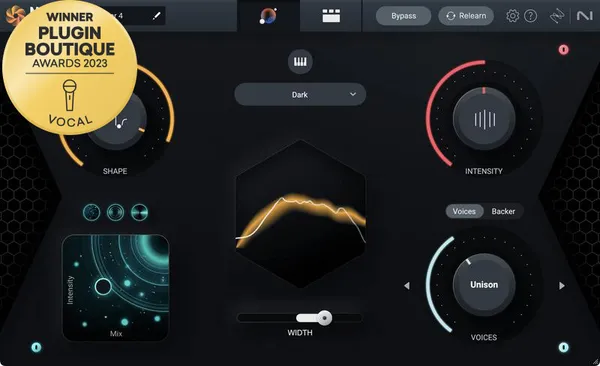
Best Auto-Tune Alternatives
Antares moved to a subscription and the alternatives got good. What each one matches, where the artefacts show, and which is the closest to the flagship.
Read Review →
Vocals
•
By Ewan Clarke
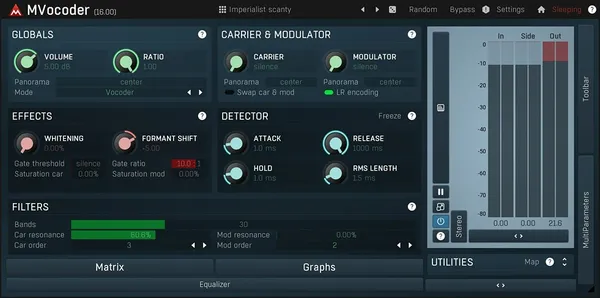
7 Best Vocoder Plugins for Synthetic Voices
A brutally honest breakdown of the 7 best vocoder plugins for electronic producers, separating useless toys from serious tools.
Read Review →
Vocals
•
By Henry Foster
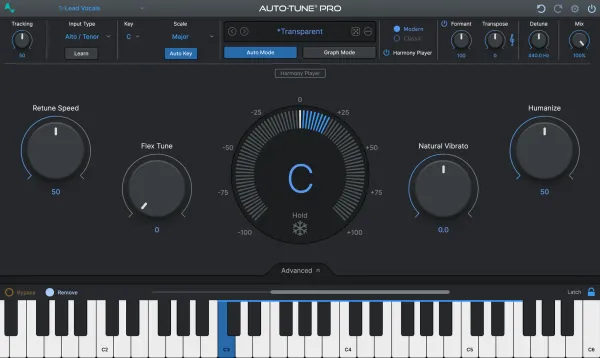
7 Best Vocal Tuning Plugins for Pitch Correction
Seven vocal tuning and pitch correction plugins compared, from AutoTune Pro 11 and Melodyne 5 to Nectar 4 and reTune, scored on artifacts, graph editing and CPU.
Read Review →
Vocals
•
By Henry Foster
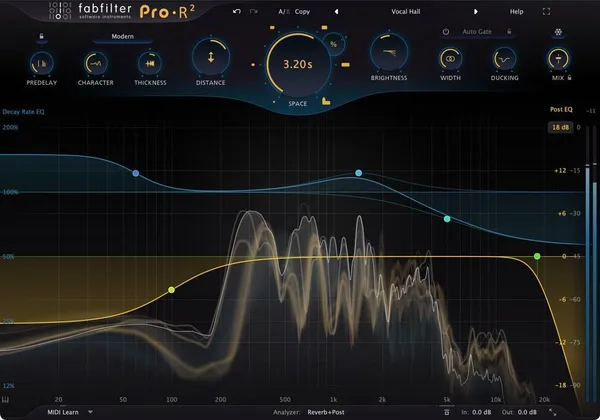
The 7 Best Vocal Reverb Plugins for Professional Mixes
Discover the 7 best vocal reverb plugins to sit lead vocals perfectly in a mix without muddying the low-end. Field-tested in professional sessions.
Read Review →
Vocals
•
By Louis Raveton
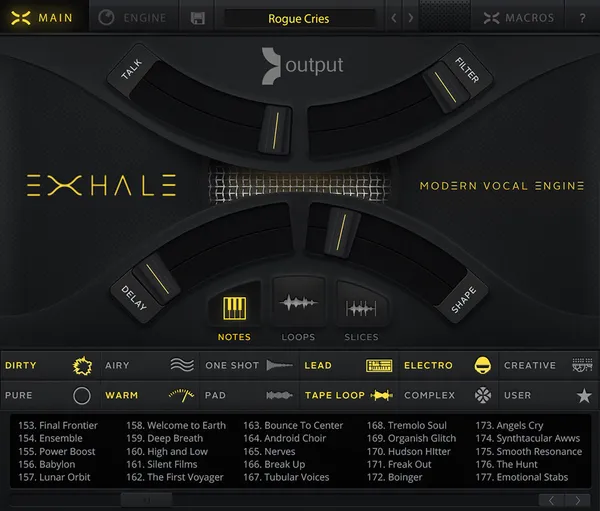
Best Ethereal Vocals (2026): Dreamy Textures
Voices from another world. We review the best ethereal vocal libraries (Exhale, Vocalise) for cinematic scoring.
Read Review →
Vocals
•
By Felix Ward
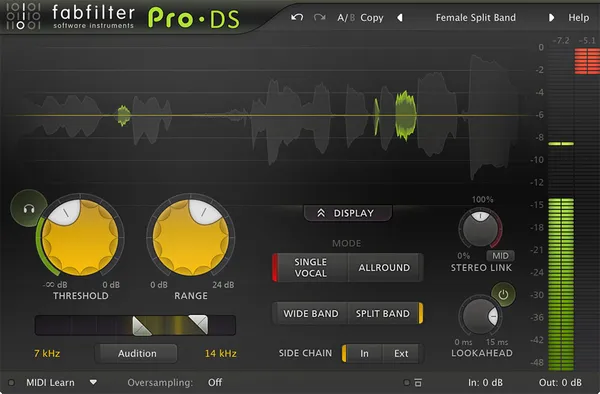
Best De-Esser Plugins (2026): Transparent Vocals
Seven de-esser (deesser) plugins compared by job: Pro-DS for vocal chains, Weiss Deess for mastering, Sibilance for heavy reduction and RX for repair.
Read Review →
Vocals
•
By Felix Ward
Best Vocal Libraries Under $50 (2026): Affordable & Emotional
Cheap choirs. We review the best budget vocal pads and soloists for adding human texture without breaking the bank.
Read Review →
Vocals head-to-heads
Vocals reviews
Frequently Asked Questions
What is the difference between a choir library and a solo vocal library?
A choir library is recorded as a section and blends into the orchestra, where a solo vocal library is recorded to be exposed and carries the character of one singer. Choirs forgive imprecise writing; a solo voice reveals every programming shortcut immediately.
Can choir libraries sing real words?
Some can, through a word builder that assembles syllables from recorded phonemes. Libraries without one are limited to fixed vowels and the occasional Latin phrase, which is enough for texture but not for a lyric the audience is meant to follow.
Should pitch correction be transparent or an effect?
For scoring, almost always transparent. Melodyne-style graphical editing corrects a note without announcing itself, where fast hard tuning is a stylistic choice that dates a cue and draws attention to the voice as production rather than performance.
How do I stop sibilance ruining an exposed vocal?
Use a de-esser to duck the specific sibilant band, usually between 5 and 9 kHz, only when it occurs. A static EQ cut applied across the whole take dulls every consonant to fix a problem that is present for a fraction of a second at a time.
How much compression does a solo vocal need in a cue?
Enough to stay legible under the orchestra, which usually means two compressors doing a few decibels each rather than one doing all of it. Serial compression sounds natural where a single heavy stage audibly pumps against the sustained material underneath.
Should I edit out breaths?
Turn them down rather than deleting them. Breath is part of how the ear identifies a voice as human, and a take with every breath removed sounds synthetic in exactly the way a sampled library already risks sounding.