
IK Multimedia All Genres
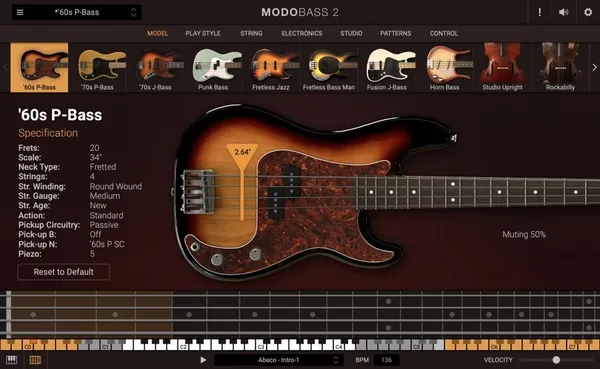
MODO Bass 2
Tone is in the fingers, but the gear matters.
Whether you strictly play DI or mic up a vintage cab, the signal chain defines your presence. We tested the Best Amp Sims and Guitar Libraries to find the ones that respond like the real thing.
We prioritize feel and dynamics:
Our curated lists below cover the essentials.
New to Guitars? These are the roundups worth reading first.
Current discounts on products we have reviewed. Prices are the store's own, last checked 27 October 2026.
MODO Bass 2

AmpliTube 5

Rift 2.0
Trilian answers every bass question at once, which is why it is large and expensive. Name the one bass you actually play and it costs a tenth as much.
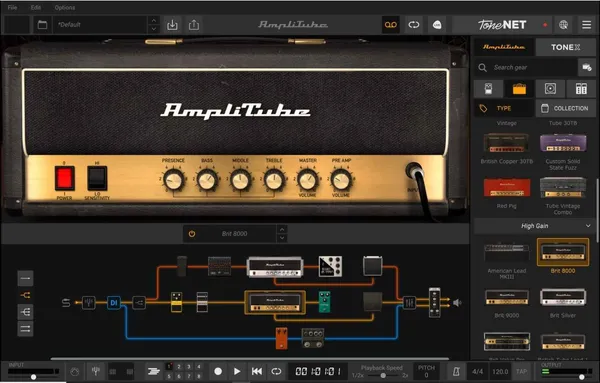
Discover the best amp simulators for home recording. We review top virtual guitar plugins like AmpliTube 5, BIAS Essential, and Guitar Rig.
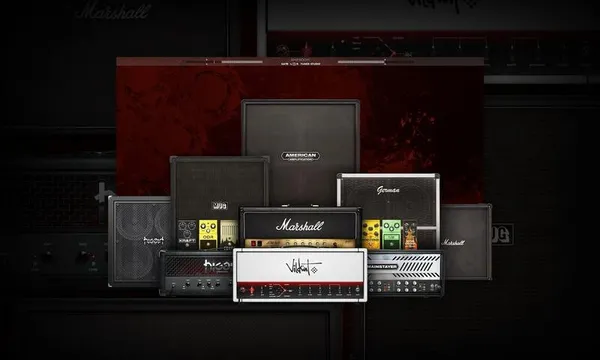
Discover the best amp sims for metal and modern djent guitar plugins. We review top virtual high-gain amps from Neural DSP, Softube, and IK Multimedia.
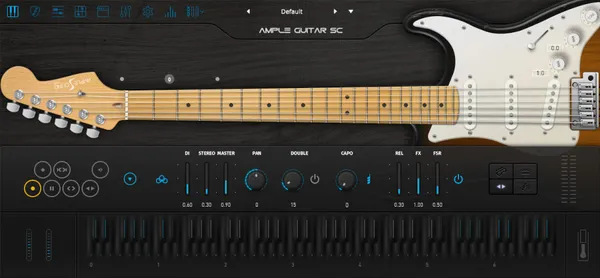
No amp needed. We review the best virtual electric guitars (Ample Sound, Shreddage) for authentic strat, tele, and humbucker tones.
Groove is everything. We review the best electric bass plugins (MODO, Scarbee) for realistic finger and slap lines.
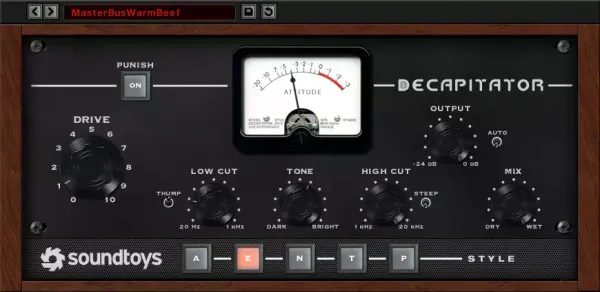
Destroy your sound. We review the best creative distortion units (Trash, Thermal) for aggressive sound design and heavy basses.
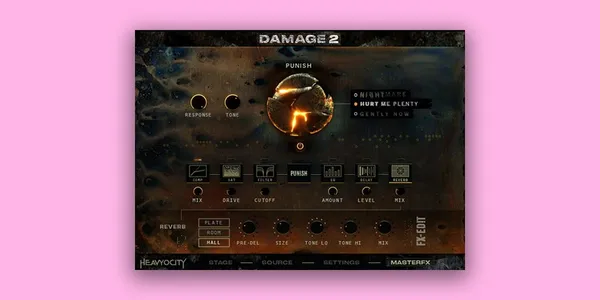
Gritty low end. We review the best processed bass libraries (Damage 2, Substance) for aggressive industrial tracks.
Low, heavy and still articulate at speed. We review seven extended-range bass libraries (Eurobass 3, MODO BASS 2, Shreddage Abyss) for djent and modern metal.
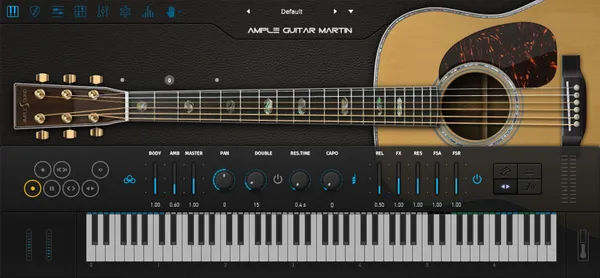
Can a virtual guitar sound real? We tested the best acoustic guitar VSTs and plugins for strumming, fingerpicking and exposed solo lines.
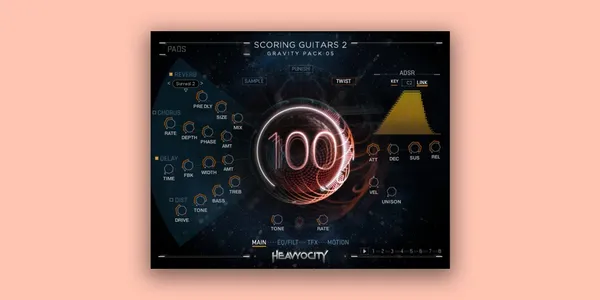
Explosions in the Sky style. We review the best guitar libraries for creating washed-out, emotional post-rock swells and textures.
Real amps move air, but amp sims offer incredible convenience and consistency. Modern modeling technology (like Neural DSP) is indistinguishable from a miked cab in a full mix.
An IR captures the sound of a specific speaker cabinet and microphone chain. Swapping IRs is the single biggest way to change your tone in an amp sim.
High-gain tones are noisy. Use a noise gate at the very start of your chain. Ideally, use humbucker pickups or a noise-canceling position on single-coil guitars.
Traditionally: Overdrive/Wah before the amp. Modulation/Delay/Reverb after the amp (in the effects loop) for a cleaner sound, or before for a vintage, gritty vibe.
For a wide stereo image, record the same part twice and pan them hard left and right. Never copy-paste the same track; phase cancellation will ruin the sound.
A DI box ensures the correct impedance signal hits your interface. Without it, your direct guitar signal can sound dull and lifeless before it even hits the plugin.