
Do This Now
- 1 Grain length decides how much of the source survives. Short grains buzz, long grains stay recognisable.
- 2 For an endless pad: 50ms grains, 50 voices of density, 10 percent position randomisation, ping-pong loop.
- 3 For rhythmic glitch: 5ms grains, low density, and a sample-and-hold LFO on position synced to 16ths.
- 4 Always randomize grain position. Identical overlapping grains comb filter, which is why a frozen pad turns hollow.
- 5 Cut 3kHz to 5kHz after any rhythmic granular patch. They are harsh in the upper mids and fatiguing fast.
Playing connects you to YouTube, which may set cookies.
Granular synthesis is intimidating on paper but functionally straightforward. It relies on taking a recorded piece of audio and slicing it into hundreds of microscopic segments. These are grains. You then manipulate the playback speed, pitch, and position of these grains to create completely new timbres from familiar sounds.
This process is not for typical musical applications like traditional subtractive synthesis. It is a terrifying sound design tool. You will use it to turn a single vocal breath into a sprawling pad or a metallic scrape into a rhythmic percussion loop. The friction point is predictability. Granular engines often produce unusable noise until you understand the core parameters.
Understanding Grain Size and Density
A single grain of audio ranges from 1 to 100 milliseconds. Short grains produce glitchy, buzzy textures because they contain extremely little waveform material. Long grains retain the recognizable characteristics of the original sample. This determines how much of the original source material survives the process.
Grain density determines how many grains play simultaneously. High density overlaps hundreds of grains per second, creating thick audio clouds. Low density creates rhythmic, stuttering artifacts. When working with vocal samples, lower density retains intelligibility while higher density smears it into an atmospheric drone.
When setting density, watch your CPU load. High rates with long grains will crash your DAW instantly. Always render your successful granular experiments to audio immediately. This saves processing power and forces you to commit to the sound design decision.
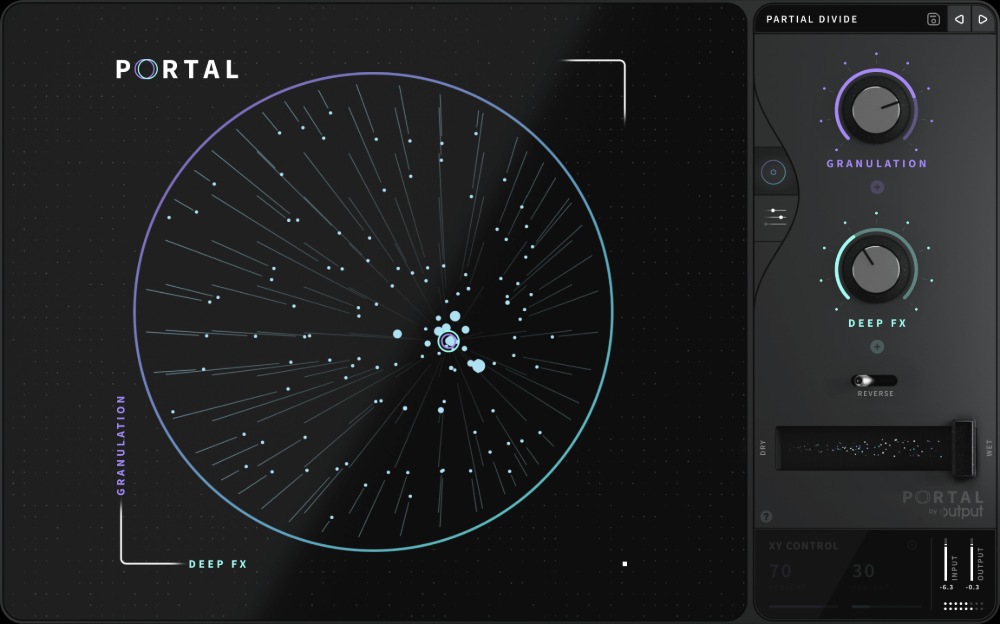
Time Stretching and Pitch Shifting Separation
Traditional audio time stretching links pitch and speed. Slowing down a tape machine lowers the pitch automatically as a physical byproduct. Granular synthesis separates these parameters entirely. You can freeze a sound in time without dropping the pitch an octave.
This works by continuously looping a small window of grains over the same section of audio. If the window advances slowly through the sample, the playback speed is reduced. The grains themselves stay at the original pitch because their internal playback speed is unchanged. The major annoyance here is phasing.
Overlapping identical grains causes massive comb filtering. Modern granular engines randomize the grain phase or starting position slightly to combat this. Always use random position modulation when trying to freeze a sound smoothly. If your pad sounds hollow and metallic, the phase is misaligned.
Actionable Sound Design: The Endless Pad
The most common application for granular processing is creating endless ambient pads from transient material. Start with a short acoustic guitar harmonic or a single piano chord. Load the sample into a granular engine and set the loop mode to forward-backward ping-pong.
Set the grain length to 50 milliseconds. Increase the density to 50 voices. Most importantly, randomize the grain position by 10%. This prevents the machine gun stutter effect and creates a smooth, continuous wash of sound. Add generous amounts of reverb and modulate the grain pitch randomly by 10 cents for an analog chorus feel.
- Grain length
- 50ms
- Density
- 50 voices
- Position randomisation
- 10 percent
- Pitch randomisation
- 10 cents
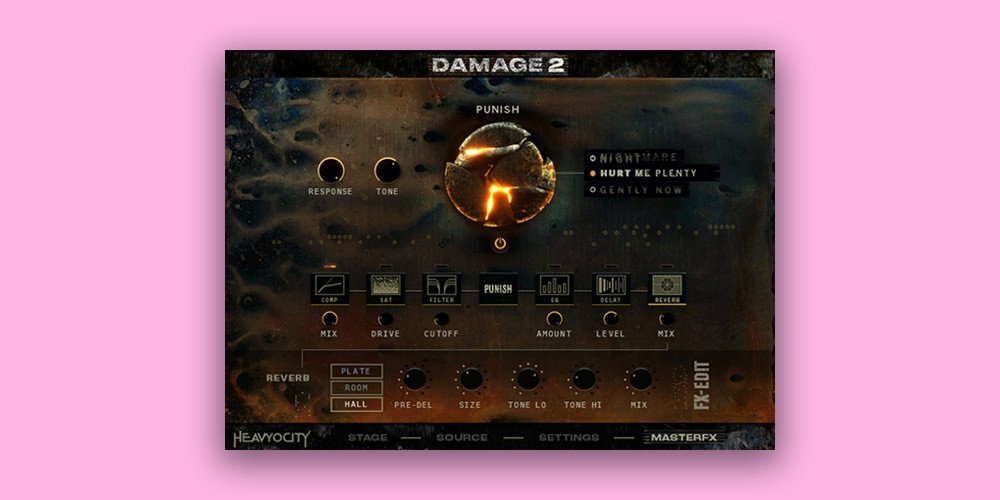
Record 30 seconds of this pad and bounce it to a new audio track. You now have an original texture that does not sound like a piano or a synth. The friction point is the attack. The pad will have a slow build, making it useless for rhythmic comping without heavy sidechain compression.
Rhythmic Glitch Generation
Granular processing excels at generating unpredictable, syncopated rhythms from static drum loops. Load a standard breakbeat into the sampler. Set the grain length very short, around 5 milliseconds. Lower the density so individual grains are distinct gaps rather than overlapping clouds.
Modulate the playback position with a sample-and-hold LFO synced to the project tempo. Set the LFO rate to 16th notes. The engine will snatch random kicks, snares, and hi-hats from the breakbeat and trigger them rhythmically. Some hits will be clean, and some will be truncated slices of a snare tail.
- Grain length
- 5ms
- Density
- Low, distinct grains
- LFO
- Sample and hold on position
- LFO rate
- 16th notes
This generates complex IDM rhythms instantly. The most common mistake here is leaving the output untouched. Granular glitch sequences are intensely harsh in the upper midrange. Always follow a rhythmic granular patch with aggressive EQ cuts around 3kHz to 5kHz to prevent ear fatigue.
Related Articles
The 7 Best Granular Synth Plugins for Textural Sound Design
Seven granular synths and effects compared on range, presets, CPU and modulation, including Padshop 2, Pigments 7, Portal, MGranularMB and Phase Plant.

Best 'Found Sound' Percussion: Clocks, Glass & Industrial
Add organic texture to your tracks. We review the best libraries created from raw recordings of ticking clocks, broken glass, and scrap metal.
Frequently Asked Questions
What grain size should I start with?
Around 50 to 100 ms for recognisable texture, and below 20 ms if you want the source to disappear into pitch. Short grains stop being heard as fragments of a sound and start being heard as a waveform in their own right, which is the point where the source material stops mattering.
Why does my granular patch sound metallic?
Because the grains are firing at a regular interval, and a regular interval is a frequency. Add randomisation to grain position or spacing, and the periodicity that reads as a metallic ring disappears.
Can granular synthesis change tempo without changing pitch?
Yes, and that separation is its main practical use. Because grains are read from the source at an independent rate, playback speed and pitch become unrelated controls, which is why granular engines are used for time-stretching as well as sound design.
What source material works best for granular textures?
Recordings with movement and noise in them, rather than clean sustained tones. Bow scrapes, breath, room noise and vocal consonants give the engine varied content to pull grains from; a pure sine has nothing to reveal at any grain position.
More Guides
All Guides →The Complete Guide to Modern Vocal Tuning and Production
An exhaustive, encyclopedia-level masterclass detailing the entire workflow of modern vocal editing, pitch correction, dynamic control, and spatial mixing.
RAM vs. CPU: Hardware Optimization for Kontakt Master Templates
A highly technical guide to balancing memory usage, storage speeds, and processing power when running massive Kontakt orchestral templates.
The Complete Guide to Mixing Cinematic Strings
A massive, comprehensive masterclass on arranging, routing, EQing, and mixing cinematic string samples for modern film and media production.
New reviews, no noise
Occasional email when we publish something worth your time. No daily digest, no vendor press releases.
We store only your address, never sell it, and delete it as soon as you unsubscribe. See our privacy policy.

Ewan Clarke
Ewan is a sound designer whose patches have appeared in major wavetable synths and cinematic scoring libraries. A self-confessed modular addict, he bridges the gap between West Coast experimentation and pop-ready polish. He believes every preset should tell a story.