
Do This Now
- 1 Ride CC1 on a fader or mod wheel in real time. Drawn with a mouse it produces a straight line the ear reads as synthetic.
- 2 Pull CC11 to zero to reach true silence. CC1 alone bottoms out at the quietest recorded layer, room tone and all.
- 3 Keep the sustain pedal off strings and brass. A held CC64 of 127 breaks monophonic legato scripts and overloads the CPU.
- 4 Check the manual for vibrato mapping on every library you buy. CC21 is common, but CC2, CC3 and velocity are all in use.
- 5 Assign three faders globally to CC1, CC11 and CC21 so you can record all three in a single pass.
Playing connects you to YouTube, which may set cookies.
Drawing notes on a piano roll is only the first step of modern orchestration. If you stop there, your mockups will sound rigid, synthetic, and lifeless. The secret to bridging the gap between a computer and a real orchestra lies entirely within MIDI Continuous Controllers (CC).
Most beginners assume that MIDI velocity is enough to control the dynamics of an instrument. This works for pianos and drums, which are percussive. Orchestral instruments change their timbre continuously as the player bows or blows air, meaning velocity alone cannot capture an evolving sustained note.
To program convincing strings, brass, and woodwinds, you must map and master several distinct MIDI messages. This guide assumes you already know what the controllers are; if the hardware itself is new to you, start with what a mod wheel is and what CC1 actually controls and come back.
The Core Concept: Why Velocity Fails for Sustains
When a real violinist plays a sustained note, the volume and harmonic content shift over time. They might start softly, swell into a dramatic peak, and then fade to nothing. If you trigger a sample with a MIDI velocity of 100, the sample simply plays a static recording of a loud note.
Sample developers solve this by recording the instrument at multiple dynamic layers (piano, mezzo-forte, fortissimo). They then map a MIDI Continuous Controller to crossfade smoothly between these different recordings in real time. This requires an external hardware controller, usually a modulation wheel or a motorized fader.
Without CC automation, your brass section will enter abruptly and awkwardly. With CC automation, you can ride the dynamics to match the exact emotional arc of your composition.
Dynamics (CC1 or Modulation)
CC1 is the undisputed king of orchestral programming. Almost every major sample library uses CC1 to crossfade between dynamic layers. When you push your mod wheel up, the engine gradually crossfades from the soft recorded layer into the loud recorded layer.
This does more than just increase the volume. The actual timbre changes. A French Horn played at fortissimo introduces a brassy, raspy edge that cannot be achieved simply by turning up the volume of a quiet recording.
The primary friction point with CC1 is phase cancellation. Because the engine is playing two different audio files simultaneously during a crossfade, slight timing differences in the recordings can cause a hollow "phasing" sound. High-end developers use proprietary phase-alignment tools to minimize this, but you will still encounter it in cheaper libraries if you leave the mod wheel resting exactly halfway between two dynamic layers.
Workflow Tip for CC1
Never draw CC1 data with a mouse. The human ear detects the mathematical perfection of a straight diagonal line. You must ride the mod wheel or fader in real time during playback. The physical micro-fluctuations of your hand will automatically humanize the phrasing.
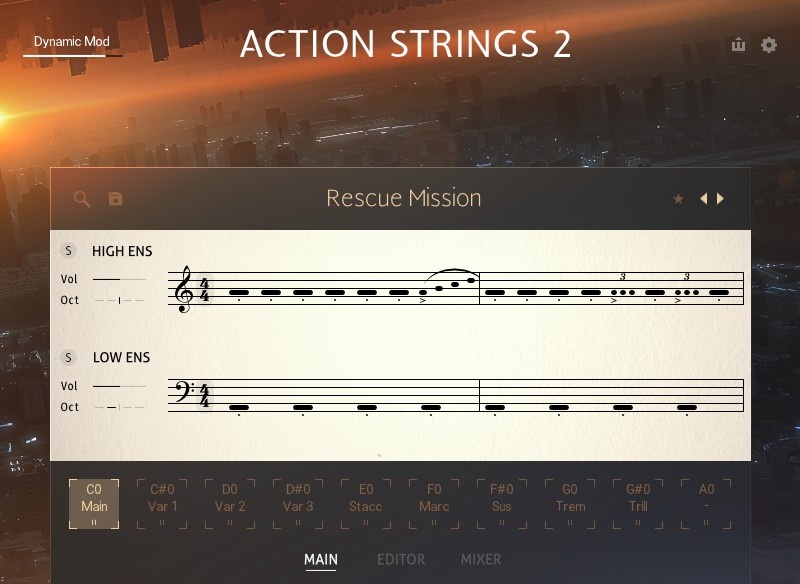
Expression (CC11)
Many composers confuse CC1 with CC11. While CC1 changes the dynamic layer and timbre, CC11 is strictly a secondary volume control. Pushing CC11 up does not trigger a louder recording. It merely turns up the output volume of whatever layer CC1 is currently triggering.
Why do you need both? Most sample libraries have a noise floor. If you pull CC1 all the way down, the instrument might not go to complete silence. It will just sit at the quietest recorded layer (piano or pianissimo), which still has audible room tone.
To fade an instrument to absolute zero, you must pull CC11 down to zero. You also use CC11 to tame harshness. If you want the aggressive, brassy timbre of a fortissimo brass patch (high CC1), but you need it to sit further back in the mix, you keep CC1 high and pull CC11 down.
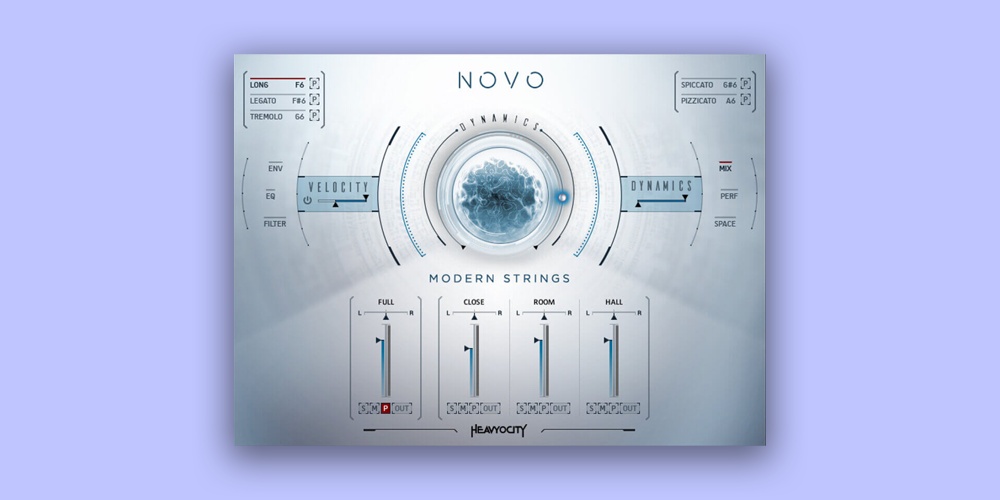
Vibrato (CC21)
Older libraries recorded vibrato directly into the main samples. You were stuck with whatever speed and intensity the player recorded on that specific day. Modern libraries split vibrato into a separate crossfadable layer, often mapped to CC21.
By automating CC21, you can start a long sustained note cleanly without vibrato (senza vibrato), and slowly introduce it over three or four seconds. This mimics the natural behavior of a string soloist warming up a note before adding emotional intensity.
The frustration with CC21 is standardization. While CC1 and CC11 are universally agreed upon by developers, vibrato mapping is the Wild West. Some developers use CC21. Others use CC2, CC3, or even tie it to velocity. You must check the manual for every new library you purchase and standardize the mapping in your DAW template.
Sustain and Legato (CC64)
CC64 is triggered by a standard sustain pedal. For piano libraries, it lifts the virtual dampers and allows all strings to ring out symbiotically. The scripting behind modern piano libraries utilizes CC64 to trigger sympathetic resonance samples.
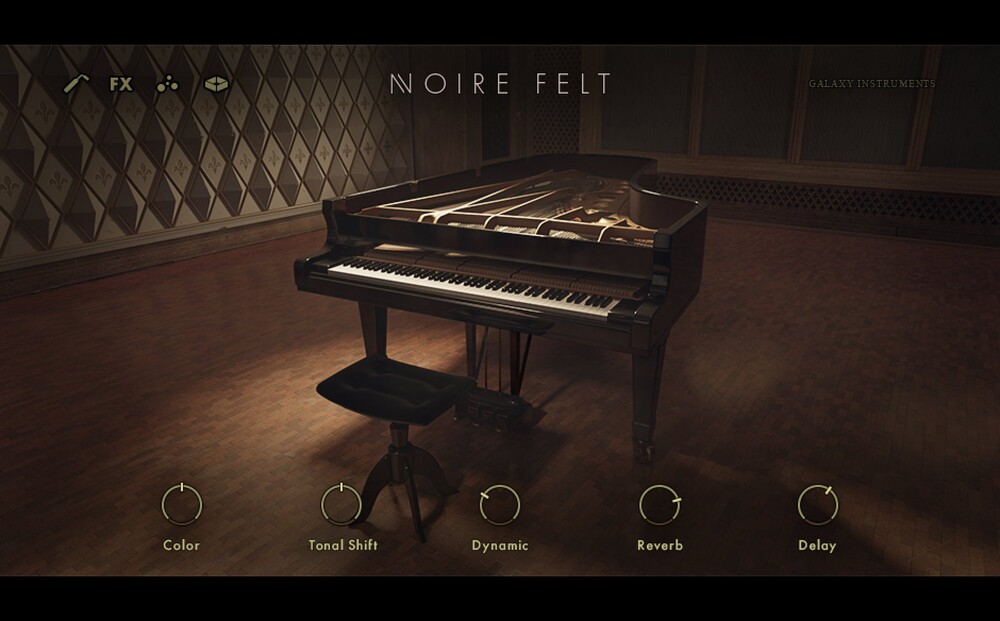
However, using CC64 on a dedicated orchestral string library often causes absolute chaos. Most orchestral libraries rely on monophonic legato scripts to connect notes smoothly. If you hold down a sustain pedal (sending a continuous CC64 value of 127) while playing a string line, the legato script will break, triggering multiple overlapping notes and overloading your CPU.
Reserve CC64 strictly for pianos, harps, and percussion. Avoid it entirely for strings and brass unless the specific library specifically maps it to a "sustain all notes" feature.
- CC1
- Dynamics, crossfades layers
- CC11
- Expression, output volume
- CC21
- Vibrato, verify per library
- CC64
- Sustain, keys and harps only
Hardware Integration and Setup
To utilize these controllers efficiently, you need dedicated hardware. A single modulation wheel is not enough if you want to record CC1, CC11, and CC21 simultaneously.
Most professionals use a dedicated fader bank (like the Korg nanoKONTROL or a motorized Presonus FaderPort) stacked above their master keyboard. I configure the first three faders on my desk to transmit CC1, CC11, and CC21 globally.
- Fader 1
- CC1 dynamics
- Fader 2
- CC11 expression
- Fader 3
- CC21 vibrato
- Scope
- Global, not per track
Another option is a breath controller. Devices like the TEC Breath Controller map the air pressure from your lungs directly to CC1. This translates the actual physics of blowing into a digital value, resulting in incredibly lifelike phrasing for woodwinds and brass.
The friction with breath controllers is the steep learning curve. You essentially have to learn how to play a new instrument to accurately map breath pressure to string libraries. If you are on a tight deadline, a standard fader bank is much more reliable.
MPE (MIDI Polyphonic Expression)
Standard MIDI CCs apply to the entire MIDI channel. MPE is a newer standard that allows per-note expression. If you play a chord and push the mod wheel, standard CC1 affects every note equally. With an MPE controller (like a ROLI Seaboard), you can push harder on the C3 key to crescendo ONLY the C3, while the E3 and G3 remain quiet.
Currently, very few orchestral libraries support true MPE because they are recorded as sections, not polyphonic models. However, hybrid synths and physical modeling instruments (like SWAM strings) support MPE natively, offering exceptional realism for solo instruments.
Scripting Your Own Custom Curves
Every composer ultimately faces the friction of non-linear CC response curves. Some libraries get deafeningly loud at a CC1 value of 90, meaning the top 20% of your mod wheel throw is useless.
To fix this, you must script input transformers in your DAW (like Logic's MIDI FX or Cubase's Logical Editor). You can draw a logarithmic curve that maps a physical mod wheel throw of 127 to a maximum plugin input of barely 90. This level of granular control is what separates amateur mockups from professional cues.
Related Articles
Best Action Strings for Fast Ostinatos: A Composer’s Guide
Need strings that can keep up? We review the best libraries for driving action cues, featuring NI Action Strings 2, aggressive spiccatos, and run engines.
The Best Cinematic Pianos for 2026
We tested 50 libraries to find the best cinematic piano VSTs for 2026. Our top picks for film scoring, trailers, and emotional ambiances.
The Best Cinematic String Libraries for 2026
We tested the top string libraries for film scoring. From the lush legatos of CSS to the intimacy of Spitfire, find the best VSTs for emotional writing.
Best Cello VSTs for Emotional Solo Lines (2026)
Reviewing the most expressive cello VSTs. We compare Tina Guo, Emotional Cello, and others to find the perfect solo sound.
Frequently Asked Questions
What is the difference between CC1 and CC11?
CC1 usually crossfades between recorded dynamic layers, changing the timbre as well as the level, while CC11 changes level only. That is why a crescendo written with CC11 alone sounds like a fader move and one written with CC1 sounds like a player pushing harder.
Why does velocity not work for sustained notes?
Because velocity is fixed at the moment the note starts and a sustained note needs to change after that. Velocity remains the right control for short articulations, where the whole event happens at the attack.
Do I need a hardware fader to record CC data?
No, but it is much faster than drawing curves. A single fader assigned to CC1 lets you perform dynamics in real time, and performed curves have the irregularity that drawn ones lack.
What is MPE and do sample libraries support it?
MPE assigns each note its own MIDI channel so pitch and pressure can be controlled per note rather than per patch. Support in orchestral sample libraries is still limited, so it matters more for synths and physical-modelling instruments than for Kontakt libraries.
More Guides
All Guides →Why Your Ostinatos Sound Like a Machine Gun
Repeated notes expose the one thing sampling cannot hide: the same recording played twice. Round robins, velocity spread, note length and the reset trap, with the numbers.
Why Your Strings Sound Fake, and It Is Not the Library You Bought
Sampled strings give themselves away on note starts, not on tone. How to measure a legato patch's attack delay, set negative track delay per articulation, and stagger section entries.
What Is a Mod Wheel? MIDI CC1 and What It Actually Controls
The mod wheel sends MIDI CC1, but what that does depends entirely on what is receiving it. Vibrato on a synth, dynamics on a sample library, and how to fix one that does nothing.
New reviews, no noise
Occasional email when we publish something worth your time. No daily digest, no vendor press releases.
We store only your address, never sell it, and delete it as soon as you unsubscribe. See our privacy policy.

Louis Raveton
Louis works across immersive scores (Venice Biennale, LVMH) and animation (Canal+), while producing Downtempo and Electro-Dub as Monsieur Shwill and Flagada. He treats his sample drive like a record collection, constantly hunting for the perfect 'imperfect' texture