
Do This Now
- 1 Map CC1 to the mod wheel and CC11 to a fader, then ride both. CC1 alone makes a decrescendo sound like the section started blowing softly.
- 2 Velocity picks the layer on short articulations, not CC1. Sequence every staccato note by hand.
- 3 Thirty sixteenths at a flat velocity of 100 is a machine gun. Accent the downbeats and soften the offbeats.
- 4 Randomize velocity and micro-timing on fast spiccato so the bow attacks stop stacking into an artificial pile.
- 5 When layering a wet library over a dry one, high-pass the wet patch below 80Hz and let the dry patch hold the low end.
Playing connects you to YouTube, which may set cookies.
Programming realistic orchestral mockups requires obsessive attention to raw MIDI data. You simply cannot draw static blocks on a piano roll and expect the computer to sound like a live symphony orchestra. Default sample patches load with hard velocities that sound aggressively synthetic when played as static block chords.
The secret to bridging the gap between a computer and a real player lies entirely within your control of MIDI Continuous Controllers. Most beginners incorrectly assume that MIDI velocity is enough to control the dynamics of every instrument. This works for percussive instruments like pianos or drums, but entirely fails for sustained orchestral instruments.
When a real cellist plays a sustained note, the volume and harmonic content shift continuously over time. They might start softly, swell into a dramatic peak, and then fade slowly away to nothing. If you trigger a sample with a MIDI velocity of 100, the sample simply plays a static, unchanging recording of a loud note.
Ride CC1 and CC11 Together, Not CC1 Alone
The most critical aspect of string and brass programming is physically riding the modulation wheel in real time. Dynamics (CC1) and Expression (CC11) control the crossfading between sample layers and master volume simultaneously. I always map CC1 strictly to my modulation wheel and CC11 directly to a motorized fader on my controller.
I used this exact dual-fader performance approach during the programming of a recent string quartet mockup to achieve perfectly human phrasing. Many amateur composers rely entirely on CC1, which is a fundamental mistake. CC1 crossfades the actual recorded timbral dynamics of the live players.
CC11 acts as a mandatory secondary volume trim for musical phrasing. Using both controllers simultaneously allows a brass section to decrescendo naturally into silence without prematurely losing the harsh, brassy edge of a forte recording. If you merely pull CC1 down, the brass section will suddenly sound like they are blowing softly instead of fading away properly.
- CC1
- Mod wheel, crossfades timbre
- CC11
- Motorized fader, volume trim
- Ride
- Both at once
- CC1 alone reads as
- Playing softer, not fading
Sequence Velocity by Hand on Short Notes
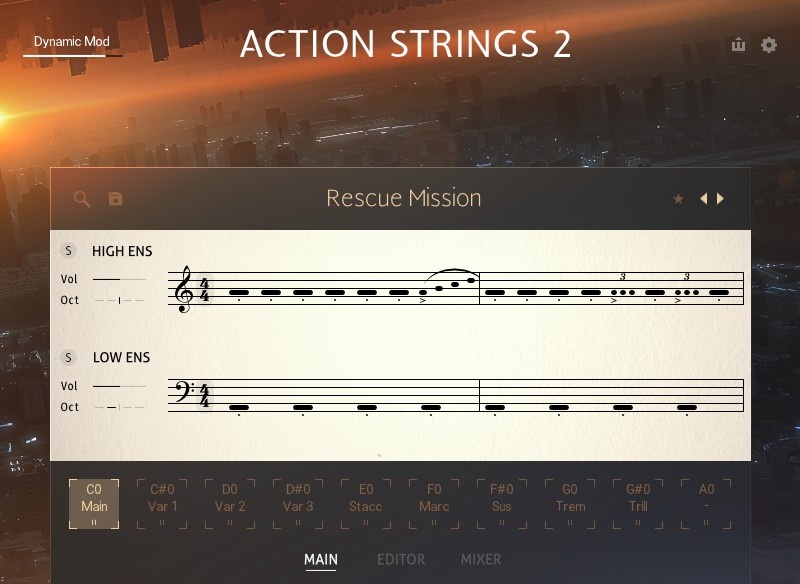
Short orchestral articulations like staccato strings or marcato brass behave completely differently than sustained patches. With short notes, the original MIDI strike velocity strictly controls the specific dynamic layer triggered. You must manually sequence the velocity of every single short note to create a believable, driving rhythmic pattern.
If you draw thirty sixteenth-notes at a completely static velocity of 100, it sounds precisely like a rigid machine gun. A real string player naturally accents the primary downbeats while playing the offbeats slightly softer. You must program these subtle dynamic accents into your MIDI velocity data.
The friction with programming fast string passages is the mechanical buildup of the sample transient attacks. If you play fifty spiccato notes in rapid succession, the sharp attack of the bow hitting the string piles up and sounds artificial. You must carefully randomize both the starting velocity and the exact micro-timing of each individual note to simulate natural human error.
Layer a Dry Patch Over a Wet One, Then High-Pass
Layering completely different sample libraries is absolutely mandatory for achieving thick cinematic realism. You might place a dry studio string patch directly over a wet hall recording to get aggressive bite and deep acoustic depth simultaneously.
The immediate friction here is that the competing room tones will audibly clash and completely eat up your master headroom. To fix this acoustic mess, you must aggressively high-pass the wet library. Find the lowest fundamental pitch of your cellos and cut absolutely everything below 80Hz on the wet signal.
Rely strictly on the dry patch to provide the tight low-end rhythmic focus. You then route both libraries to a single dedicated string bus to glue the disparate performances together with a slow compressor.
- Wet library
- High-pass below 80Hz
- Dry library
- Holds the low-end focus
- Both route to
- One string bus
- Bus glue
- Slow compressor
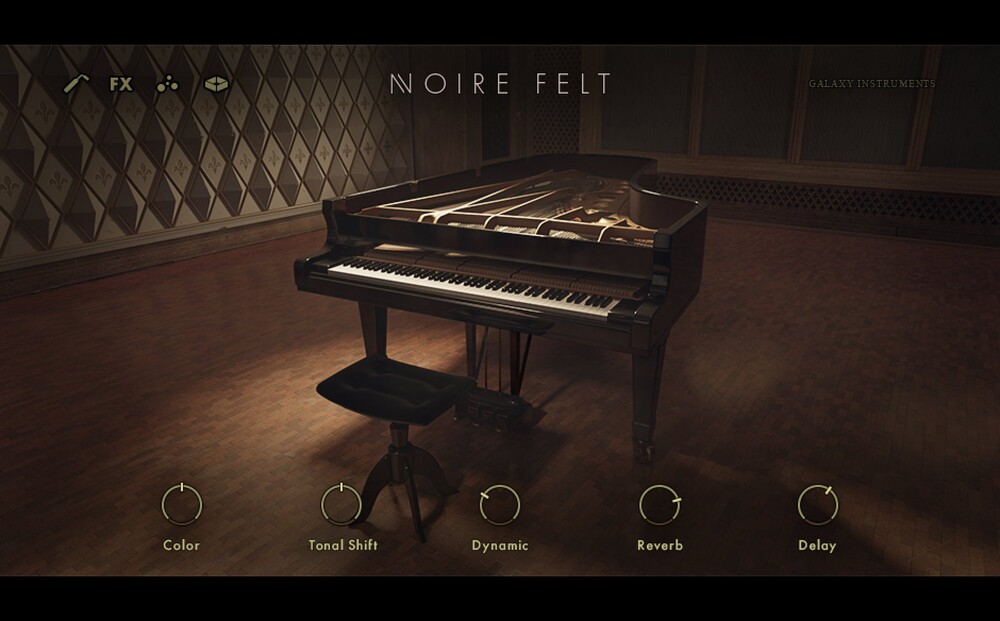
Pianos require a completely different programming approach from sustained melodic instruments. You must focus entirely on precise note velocity and exact sustain pedal timing rather than CC1 modulation data.
Related Articles
The Best Cinematic Pianos for 2026
We tested 50 libraries to find the best cinematic piano VSTs for 2026. Our top picks for film scoring, trailers, and emotional ambiances.
The Best Cinematic String Libraries for 2026
We tested the top string libraries for film scoring. From the lush legatos of CSS to the intimacy of Spitfire, find the best VSTs for emotional writing.
Best Epic Brass VSTs (2026): Trailer & Action
Looking for the Hans Zimmer sound? We review the loudest, brashest brass libraries (CineBrass, Forzo, Metropolis Ark) for trailer production.
Frequently Asked Questions
What makes a mockup sound fake more than anything else?
Static dynamics. A real player is never at a constant dynamic for a whole note, and a sustained line with a flat CC1 curve reads as synthetic no matter how good the library is.
Should I quantise orchestral MIDI?
Only lightly, and never the whole section to the same grid. Sampled instruments have different attack delays, so notes that are perfectly quantised in the MIDI arrive at different times in the audio, and a section that is exactly together sounds mechanical anyway.
How do I fix the delay between the MIDI note and the sample's attack?
Move the notes earlier by the library's documented attack time, or use its shorter-attack legato patch for exposed passages. Negative track delay handles it globally, but only when every patch on that track shares the same offset.
How many layers should a mockup use per section?
As few as sound convincing. Each additional library adds another recorded room and another set of attack timings to reconcile, and most mockups that sound cluttered are over-layered rather than under-processed.
More Guides
All Guides →Writing for French Horn Without Making It Unplayable
The horn is the most misjudged instrument in the orchestra. Real range against sampled range, why four horns in unison is the default, and the register that ruins takes.
Layering Two String Libraries Usually Makes Things Worse
Stacking two libraries on one line gives you comb filtering and two halls fighting. The four conditions that make layering work, and the alignment step everyone skips.
The Art of Brass Programming: Heroic Solos and Menacing Chords
How to correctly ride MIDI data, voice-lead chords, and mix multiple brass virtual instruments to achieve true cinematic power.
New reviews, no noise
Occasional email when we publish something worth your time. No daily digest, no vendor press releases.
We store only your address, never sell it, and delete it as soon as you unsubscribe. See our privacy policy.

Louis Raveton
Louis works across immersive scores (Venice Biennale, LVMH) and animation (Canal+), while producing Downtempo and Electro-Dub as Monsieur Shwill and Flagada. He treats his sample drive like a record collection, constantly hunting for the perfect 'imperfect' texture