

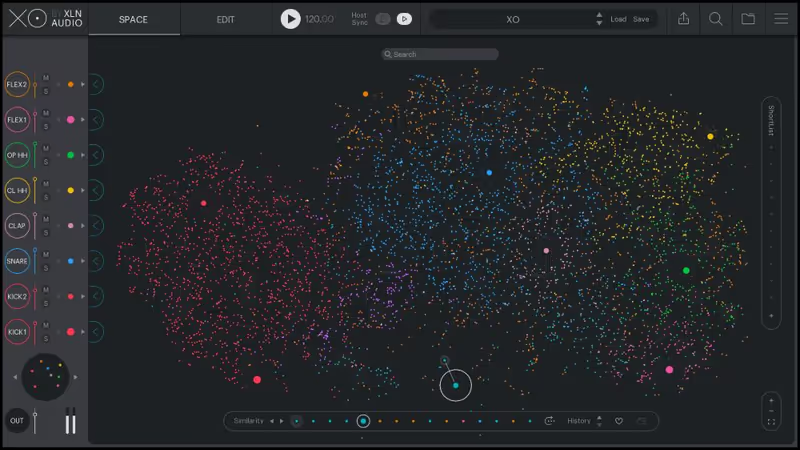
A sample management revolution that makes 500 GB of forgotten WAV files usable again, though it relies entirely on your existing library and cannot synthesize a single sound.
How it scored
- Sample Quality 7.0
Depends on your library. XO organizes but does not generate.
- Mixing Flexibility 7.5
Good per-channel processing and stem export.
- Sequencer Depth 8.0
Groove templates, randomization, and genre-based patterns.
- Footprint 7.5
500 MB install, but the scanning phase hits the CPU hard.
Why we picked it
Best for producers with massive sample libraries who need a fast, inspiring workflow.
Who should skip it
Skip this if you want to synthesize drums from scratch, XO uses samples.
The good
- Revolutionary workflow
- Makes old samples fresh
- Great sequencer
The bad
- Not a synth
- Can be CPU heavy while scanning
- Visualizer is distracting to some
- Engine
- VST/AU/AAX
- Type
- Sample Sorter
- Size
- 500 MB
- Price
- $149
Why it scored that way
The smartest way to organize your drum samples.
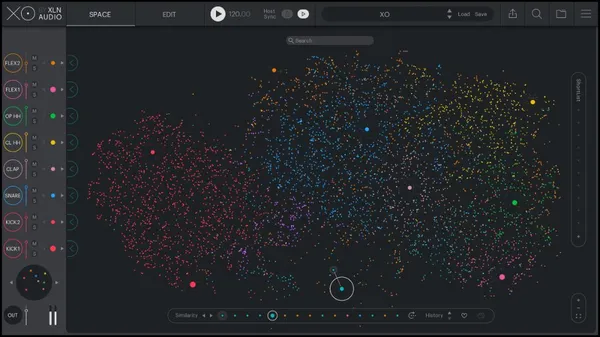
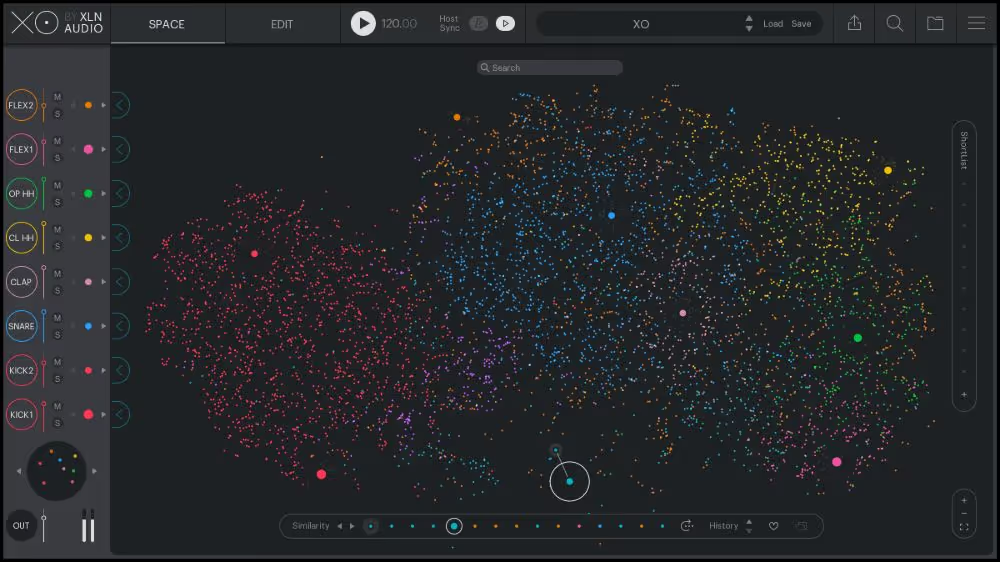
My Experience: XO isn't just a drum machine. It is essentially a cure for sample hoarding. It scans every WAV file on your hard drive and organizes them visually by color and timbral similarity in a beautiful "Space" view. I can find the perfect snare in seconds just by dragging my mouse across a cloud of dots, "auditioning" hundreds of sounds instantly. The built-in sequencer is also deceptively powerful, with great groove templates that add human feel to otherwise static patterns.
Deeper Look: The "Playground" area is perfect for generating ideas when you are stuck. You can randomize patterns based on genre templates (like "Dilla-style Hip Hop" or "Techno Rumble") with a single click. It exports stems seamlessly to your DAW. If you have 500GB of samples you never use because they are buried in folders, XO makes them accessible instantly, breathing new life into your existing library without needing to buy new packs.
Price history and lowest recorded price
Check price $149