
Do This Now
- 1 A laptop speaker has almost nothing below 400Hz. Everything you wrote under that octave is not quieter on it, it is absent.
- 2 Check that the cue reads with a high-pass at 400Hz on the master. If the emotion disappears, it was living somewhere the client cannot hear.
- 3 Put the identity of the cue between 500Hz and 4kHz, because that is the band every playback system reproduces.
- 4 Give a low-end line an upper-octave partner. A cello doubled by a viola survives the laptop, a cello alone does not.
- 5 Listen once in mono at conversation volume before every send. It catches phase, masking and laptop translation in one pass.
Playing connects you to YouTube, which may set cookies.
You spend three weeks on a cue. You send it. The director plays it on the laptop that is open in front of them, and comes back saying it feels empty.
They are not wrong, and neither are you. They heard a different piece of music from the one you wrote.
Know What the Laptop Actually Removes
A typical laptop speaker produces almost nothing below 400Hz. Not less. Nothing.
Work out what that deletes from an orchestral cue. Double basses, gone. The bottom of the cello section, gone. Timpani, gone except for the stick noise. The left hand of the piano, gone. Every low synth pad holding the harmony together, gone.
What is left is the upper harmonics of those instruments, which is why the cue is still recognisable while feeling hollow. The ear reconstructs a suggestion of the missing fundamentals from their harmonics, so the director hears something thin rather than something broken, and describes it as empty because that is genuinely what it is.
The friction is that this is invisible in your room. Whatever you monitor on goes lower than a laptop, and the better your setup the wider the gap between what you approved and what they played.
Run the 400Hz Test Before Every Send
This takes fifteen seconds and it is the single most useful habit in this guide.
Put a high-pass filter on the master bus at 400Hz, 24dB per octave, and play the cue. You are not fixing anything, you are auditioning what the client will get.
- Test filter
- 400Hz high-pass, 24dB/oct
- Survives everywhere
- 500Hz to 4kHz
- Laptop speaker floor
- Roughly 400Hz
- Check level
- Conversation volume
Then judge one thing only: does the cue still make its point. Not whether it sounds good, it will not, but whether the shape, the harmony and the emotional direction still arrive.
If they do, you are fine. If the cue becomes aimless, the material carrying it lives below the client's playback and you have a real problem to solve rather than a mix to tweak. Take the filter off before you render, obviously, and the annoyance is exactly that: leaving it on and shipping it has happened to everyone who uses this test.
Playing connects you to YouTube, which may set cookies.
Put the Identity Between 500Hz and 4kHz
Every playback system in the chain reproduces the midrange. Laptop speakers, phone speakers, car stereos, the cheap monitors in an edit suite, all of them.
So whatever makes the cue itself has to be in that band. Not everything, but the identity: the melodic line, the harmonic movement that carries the emotion, the rhythmic figure that gives it drive.
This is an orchestration instruction rather than a mixing one. If your cue's identity is a sub drone and a low ostinato, no mix decision will move it into the midrange, and the writing has to do it.
The cost is that a midrange-heavy cue can feel small on good monitors, which is where the balancing act lives. The answer is not to choose one, it is to build the cue so it works in the midrange and then add the low end as reinforcement rather than as foundation.
Give Every Low Line an Upper-Octave Partner
The practical technique that follows from all of the above.
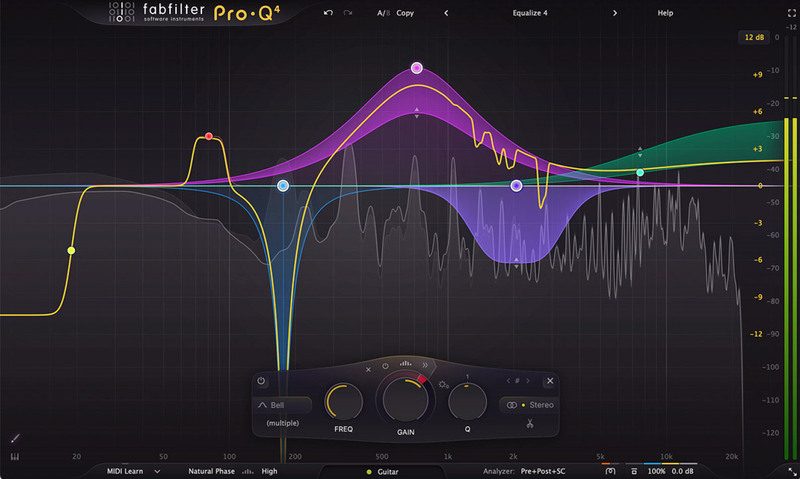
A double bass line alone dies on a laptop. The same line doubled by cellos an octave up survives, because the cello octave sits where the speaker works, and the ear hears the bass through it. On a full system you get both and the cue is unchanged.
The same trick applies everywhere. Timpani doubled quietly by a low tom with more stick. A sub drone doubled by the same pitch class two octaves up at a much lower level. A piano left hand supported by a cello line rather than left to carry the harmony alone.
Keep the partner well under the original, often 8 to 12dB down, so it is not audible as a separate part on good monitoring. It is not there to be heard. It is there so that something is heard when the fundamental is gone.
The catch is that this thickens the midrange, which is already the most crowded part of an orchestral mix, so every doubling you add competes with the melody. Add them deliberately, one at a time, checking the 400Hz test after each.
Check in Mono, Quietly, Every Time
Laptop speakers sit a few centimetres apart and are effectively mono at any listening distance. So a mono check is most of a laptop check, and it catches two other problems on the way.
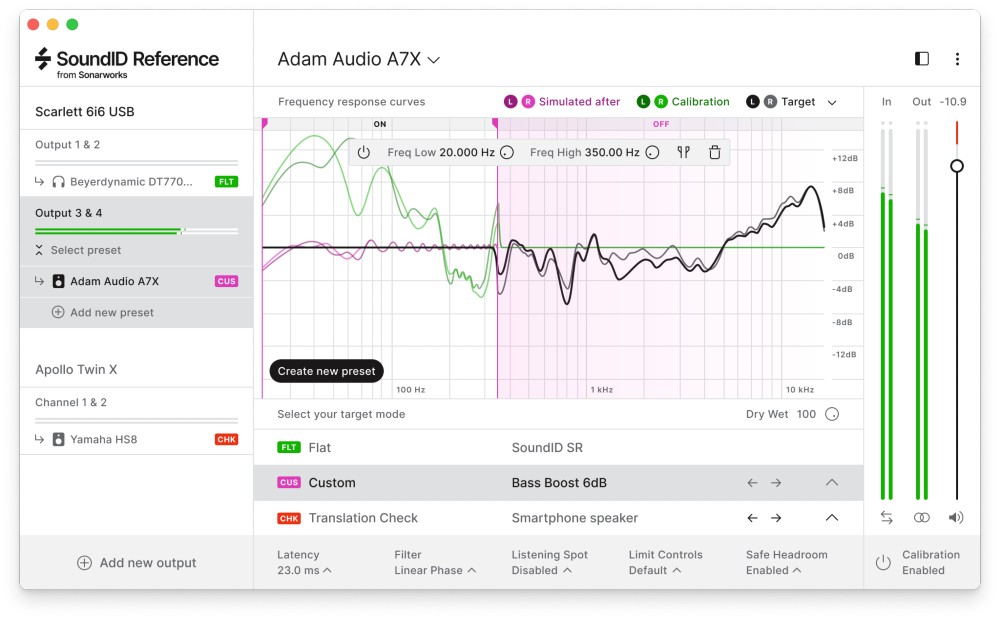
Sum to mono and listen at conversation volume. Anything that vanishes was living in the sides, which for orchestral libraries usually means the hall reverb and the wide microphone positions. Anything that suddenly sounds crowded was being separated by width rather than by frequency, and width is the first thing the client loses.
Conversation volume matters as much as mono. Masking is worse at low levels for low frequencies and better for midrange, so quiet playback is a closer model of a laptop than loud playback through one speaker.
The friction: you will not enjoy this check, and it is tempting to skip it on the cue you feel best about. That is the one it catches.
Do Not Mix on the Bad Speaker
One thing this guide is not saying: none of this is an argument for working on laptop speakers.
Mix on the best monitoring you have, because that is what tells you what is actually in the file. Check on something small and unflattering, because that is what tells you what survives. The two jobs are different and the mistake is doing both on the same speaker.
Composers who mix on small speakers overcompensate in the low end almost without exception. The cue then sounds correct on the laptop and bloated on a stage, which is a worse failure than the one they were fixing, and much harder to hear coming.
Then Tell Them What to Play It On
Last, and it is not a mix technique at all.
When you send a cue, say what it wants. One sentence asking them to listen on headphones or proper speakers where possible costs nothing, and it converts a fraction of the empty-sounding feedback into feedback about the actual music.
It will not work every time, because a director watching a rough cut on a laptop is going to play it on the laptop. Which is why the four checks above exist, and why they run before the email rather than after the reply.
Related Articles
Best Acoustic Treatment Plugins & Room Correction Software
Fix your mix without the fiberglass. We review the best acoustic treatment plugins, room correction software, and headphone calibration tools.
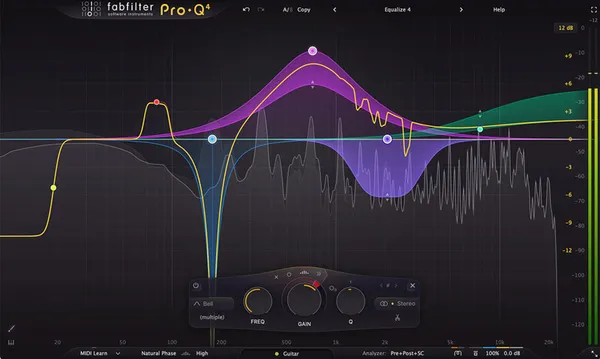
Best Essential Mixing Plugins (2026): The Toolkit
The absolute basics. We review the 7 indispensable plugins (Pro-Q 3, Ozone) that should be in every mixing template.
The 6 Best Mastering Plugins, Stage by Stage (2026)
Six mastering plugins scored on sound, speed, CPU and metering: FabFilter's Mastering Bundle, Elevate, Shadow Hills, the M5133 EQ and two more.
Frequently Asked Questions
What frequency range does a laptop speaker actually reproduce?
Most laptop speakers produce very little useful output below about 400Hz, and some are effectively silent below 500Hz. That means the entire low end of an orchestral cue, including basses, low cellos, timpani and most of the weight of a piano, simply does not arrive. The higher harmonics of those instruments do, which is why a cue can still be recognisable while feeling completely hollow.
Should I mix on laptop speakers then?
No. Mix on the best monitoring you have and check on a small speaker, because the small speaker tells you what survives while the good monitors tell you what is actually there. Mixing on a laptop leads to overcompensating in the low end, and the result sounds correct on the laptop and bloated everywhere else.
Does a high-pass filter on the master help translation?
Not as a fix, but it is an excellent test. Insert a high-pass at 400Hz, listen, and then take it off before you render. If the cue loses its point with the filter engaged, its point was in a region your client will not hear, and the answer is to give that material an upper-octave partner rather than to leave the filter in.
Why does my low end sound fine on headphones and disappear on a laptop?
Because headphones reproduce low frequencies well and small speakers do not, so headphones are the least representative check you can run for this specific problem. Headphones also remove room interaction entirely, which makes them excellent for detail and misleading for balance. Use them for editing and something small and unflattering for balance.
Is mono still worth checking for orchestral music?
Yes, and more than for most genres. Orchestral libraries are recorded with wide microphone arrays and heavy use of hall reverb, both of which can partially cancel when summed, so a lush stereo image can collapse into a thin one. Laptop speakers sit centimetres apart and are close to mono in practice, so a mono check is most of a laptop check.
More Guides
All Guides →How Loud Should a Cue Be? The Spec Nobody Sends You
Music for picture is not mastered to a streaming target. What -23 and -24 LUFS actually mean for a composer, why your cue sits under dialogue, and what to deliver when nobody specifies.
Mastering Master Bus Compression
A technical guide to implementing master bus compression, setting attack and release times for glue, and avoiding the over-compression trap.
EQ Strategies for Virtual Orchestras: Surgical Frequency Carving
An advanced guide to removing resonant mud, harsh brass buildup, and masking frequencies from dense orchestral mockups.
New reviews, no noise
Occasional email when we publish something worth your time. No daily digest, no vendor press releases.
We store only your address, never sell it, and delete it as soon as you unsubscribe. See our privacy policy.

Felix Ward
Felix is an indie-folk songwriter and session guitarist who values vibe over perfection. He looks for tools that potentialize 'happy accidents' and offer immediate inspiration. If a plugin requires reading a 100-page manual, he's probably already moved on.