Not tested by us, assessed from specs and documented behaviour
The best value paid notation software here. It runs the same engine as Dorico Pro, so the default engraving is just as good, and it leaves out the deep engraving customisation many composers never touch.
How it scored
- Engraving 8.5
Pro's defaults, without Pro's Engrave-mode customisation.
- Learning Curve 6.0
Dorico's model, with fewer options to learn.
- Value 9.0
Under a fifth of Dorico Pro's price.
Why we picked it
Best for composers who want Dorico's default engraving and workflow for chamber, session and game scores at a much lower price.
Who should skip it
Skip it if you hand-engrave for publication, which needs Pro's Engrave mode.
The good
- Same engine as Pro
- Fraction of the price
- Upgrade path to Pro
The bad
- No Engrave-mode customisation
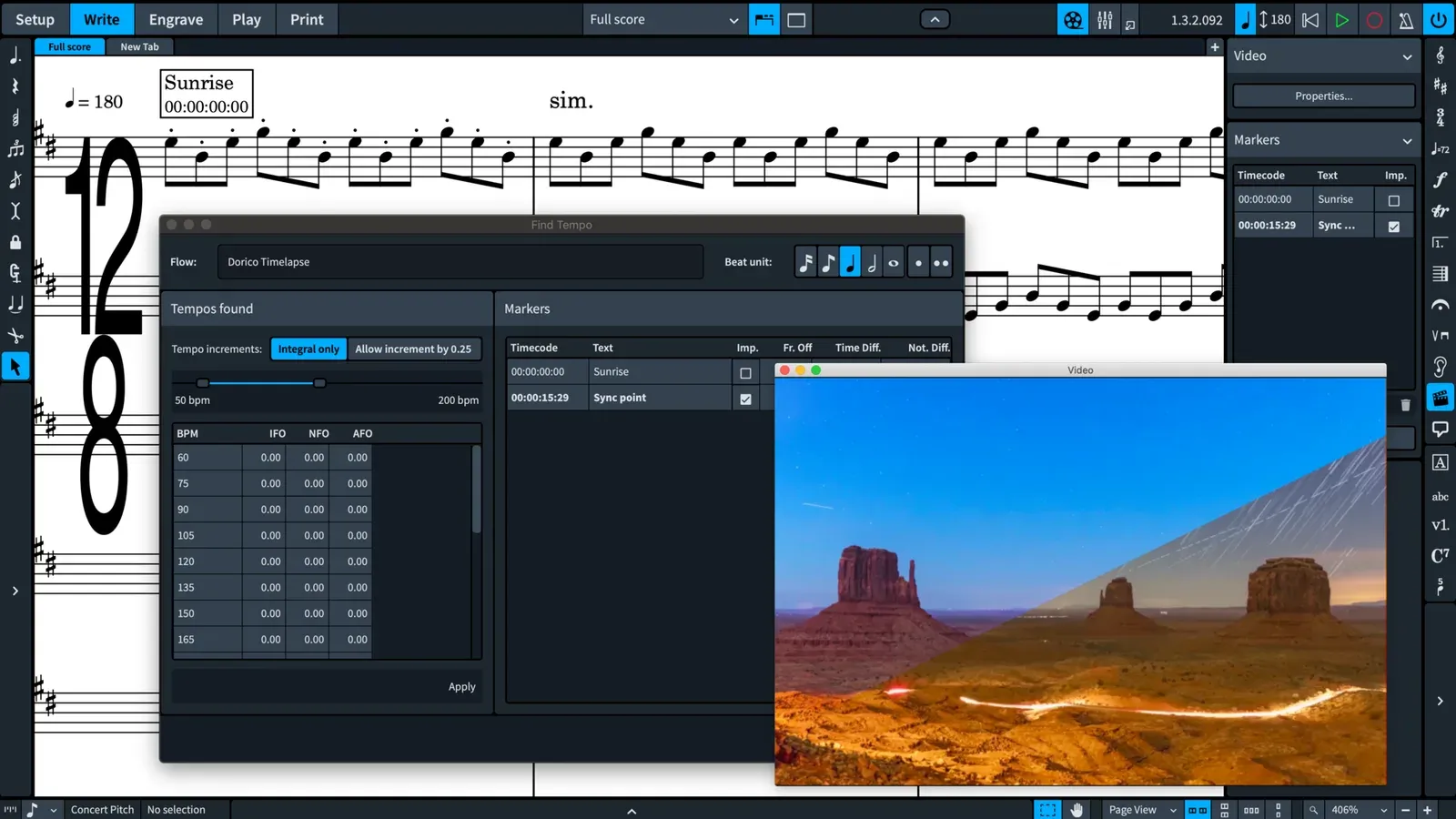
- Video features unconfirmed
- Not tested in our studio
- Platforms
- macOS, Windows, iPad (separate app)
- Video
- Not confirmed for this edition
- Licence
- Perpetual, upgrade to Pro available
Why it scored that way · 1 min read Dorico's engine at a fraction of Pro's price.
Dorico's engine at a fraction of Pro's price.
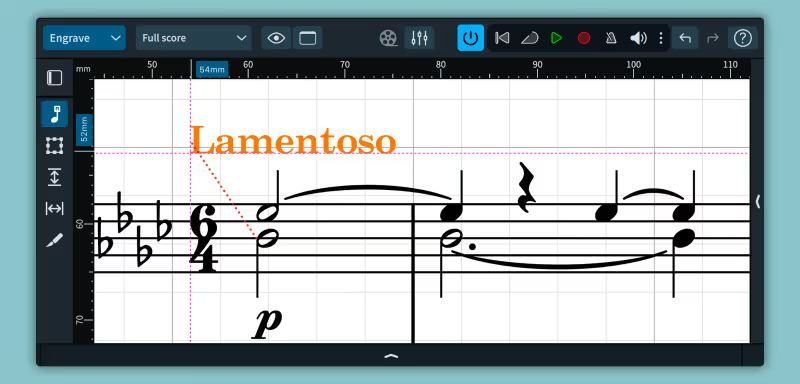
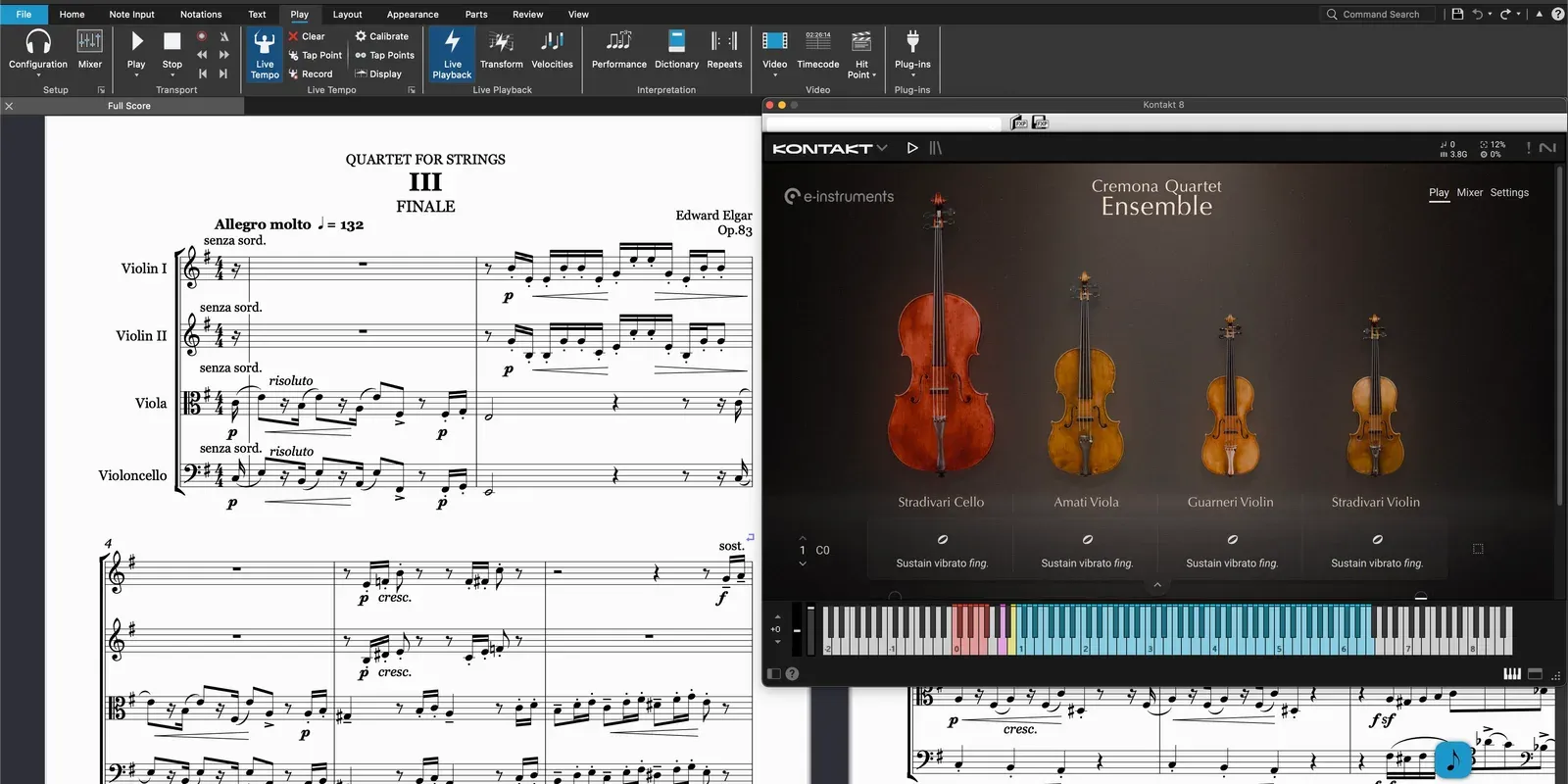
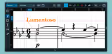
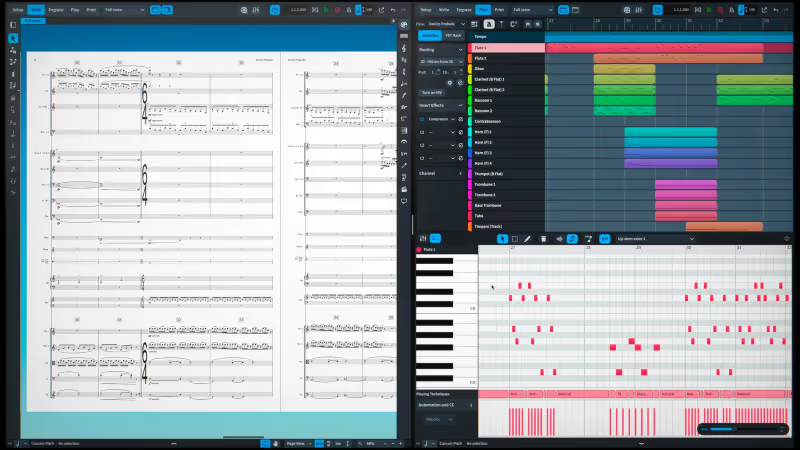
Dorico Elements runs the same notation engine as Pro, so a score entered in it comes out with the same default spacing, collisions resolved and parts generated. What it leaves out is Engrave mode's deep customisation, where Pro lets you adjust layout by hand, and the larger playback library, with Iconica Sketch and Groove Agent SE in its place. A free Dorico SE handles up to eight players for anyone who wants to try the workflow first.
For a composer writing for a chamber group, a session section or a game cue that does not need publisher-grade hand engraving, those omissions often do not matter, and the price difference is large. Steinberg charges the difference to upgrade to Pro later. We could not confirm from Steinberg's own edition chart which video and timecode features Elements includes, so a composer working to picture should check that before buying.