The one to reach for when the sibilance is severe, because it removes more than the others without darkening the voice.
How it scored
- Sound Quality 9.0
You can push it hard and it does not lisp or dull the tone.
- Workflow Speed 8.5
A clear modern interface with very little to configure.
- CPU Footprint 7.0
Higher latency than the Renaissance, plus the Waves update plan.
- Metering & Control 7.5
Good, though the detection is not always right first time.
Why we picked it
Best for heavy reduction without artifacts, removing lisping even at high settings.
Who should skip it
Skip this if you prefer the familiar behavior of traditional VCA style compression.
The good
- Can push very hard safely
- Doesn't darken the tone
- Modern, clear interface
The bad
- Waves update plan
- Higher latency than R-DeEsser
- Detection isn't always perfect
- Engine
- VST/AU/AAX
- Type
- Spectral De-Esser
- Size
- 100 MB
- Price
- $34
Why it scored that way
The new generation of transparent detection.
My Experience:
Waves released Sibilance alongside their older tools, and the technology is impressive. Instead of traditional compression, it uses a spectral engine to identify sibilant parts and separate them from the vocal tone. In practice, this means you can crush the "S" sounds incredibly hard without affecting the brightness of the rest of the word. It feels almost like editing the waveform manually.
Deeper Look:
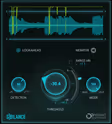
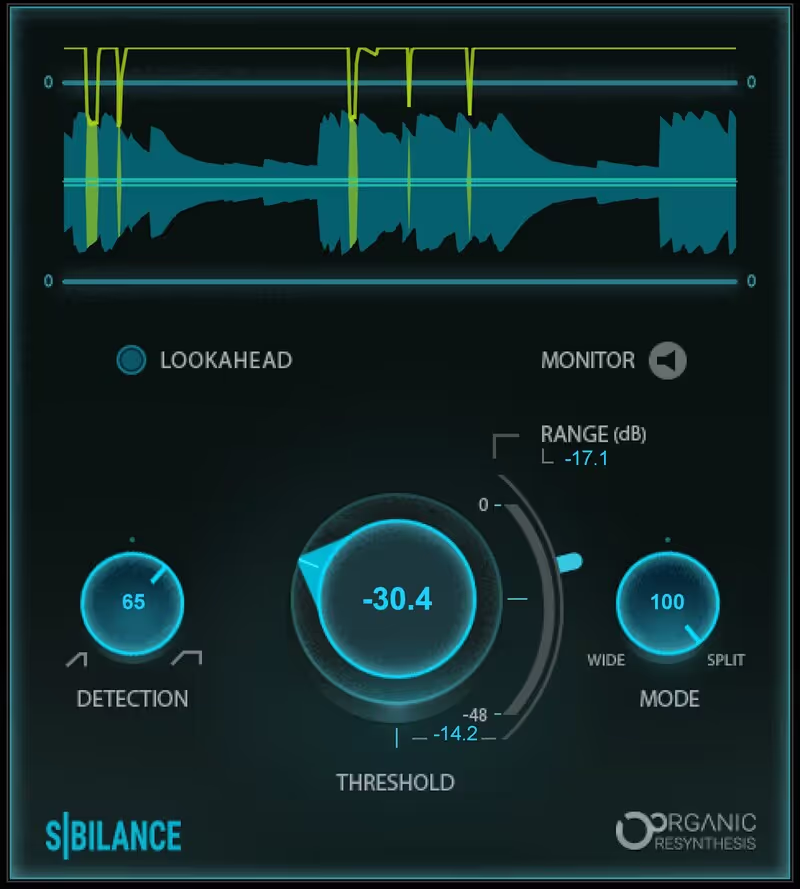
The interface is modern and visualized. You see the sibilance detector engaging in real-time. It separates the "S" signal from the main signal effectively. For podcast editing where you have imperfect recordings and varying microphone distances, this plugin is a lifesaver because it is less sensitive to level changes than older threshold-based units.
Where it sits against the rest of this list: Sibilance is Waves' modern answer to their own Renaissance DeEsser, built on their spectral processing rather than on band splitting. In practice that means it identifies the sibilant content itself rather than acting on everything in a frequency range, so it is less likely to dull a bright vocal as a side effect. It also has almost no controls, which is a deliberate design decision and the reason to pick it: on a busy session, a single control that mostly gets it right beats a better plugin you do not have time to configure. When it gets it wrong there is little to adjust, so keep something like SuprEsser available for the cases it cannot handle.
Price history and lowest recorded price
Check price $34 (was $79)