Head to head

FabFilter Mastering Bundle vs Lurssen Mastering Console

Precision tools you drive against a locked console that decides. Which one finishes a cue faster, which one you can argue with, and which is the wrong purchase for a composer.

Mastering Bundle by FabFilter

Mastering Bundle

FabFilter

Lurssen Mastering Console by IK Multimedia

Lurssen Mastering Console

IK Multimedia

The short answer

Lurssen if you do not want to master and never will, because it produces a finished sounding result in under a minute and gives you nothing to get wrong. FabFilter if mastering is a skill you intend to have, because every decision is visible, reversible and yours. The price gap is large and it is not the deciding factor.

ModWheel is reader-supported. When you buy through links on this page we may earn an affiliate commission, at no extra cost to you. This never influences which products we recommend, read our testing methodology.

Compare all 2

See both in action

Mastering Bundle

Playing connects you to YouTube, which may set cookies.

Production Expert's Dan Cooper masters a full mix using only the bundle's plug-ins: Pro-Q 2, Pro-C 2, Pro-MB and Pro-L 2. “Watch How Quickly You Can Use FabFilter Master Bundle Plug-ins To Master Your Next Mix” by Production Expert, on YouTube. Playing it loads the video from Google.

Lurssen Mastering Console

Playing connects you to YouTube, which may set cookies.

Audiofanzine's tour of the console's presets, processing chain and EQ, with before-and-after demos on EDM, rock and acoustic material. “Lurssen Mastering Console Tour” by Audiofanzine in English, on YouTube. Playing it loads the video from Google.

These two sit at opposite ends of the same shelf and almost nobody should be choosing between them on sound. The question is whether you want the decisions or whether you want them taken away, and being honest about that answer saves both money and a great deal of time.

What each one actually is

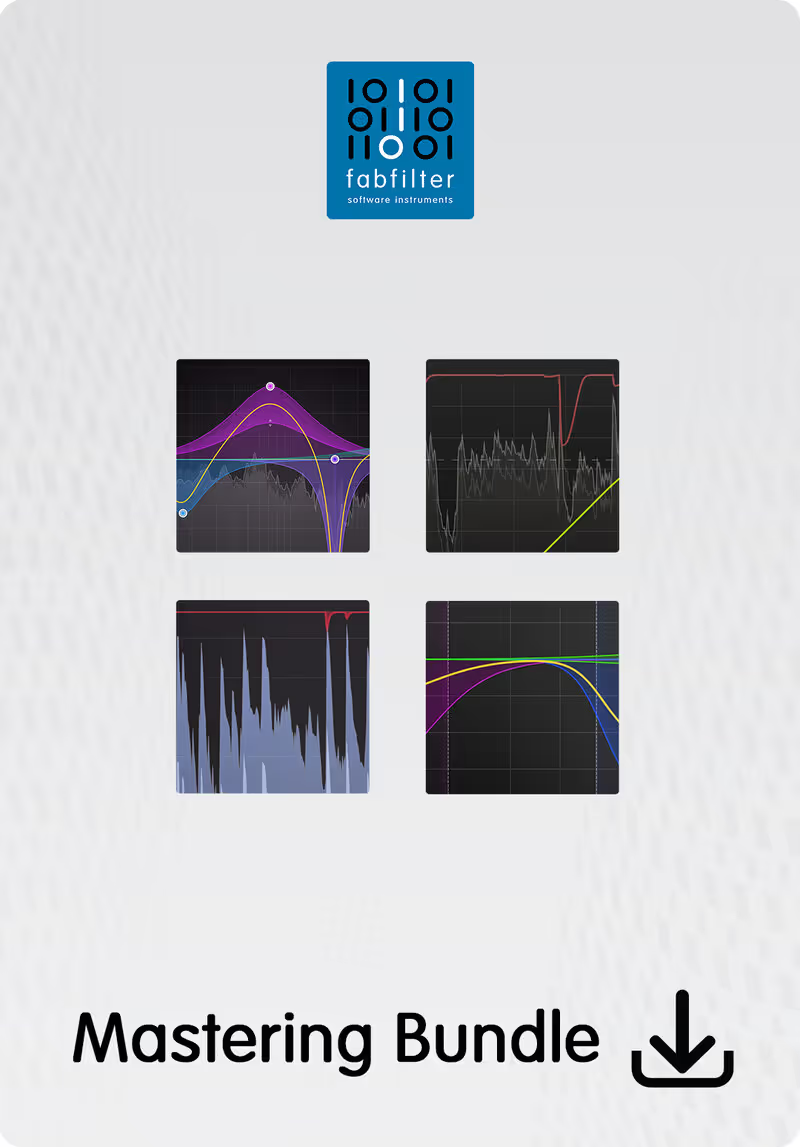
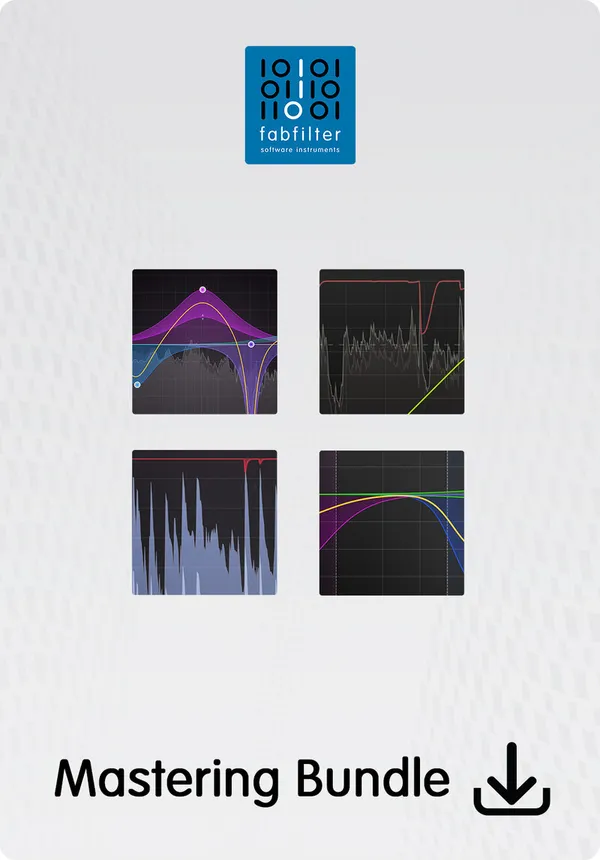
The FabFilter bundle is a set of separate, precise processors. An equaliser, a compressor, a multiband dynamics unit and a limiter, each with the best metering in the category and none of them adding character you did not ask for. You build the chain, you choose the order, and everything is visible.

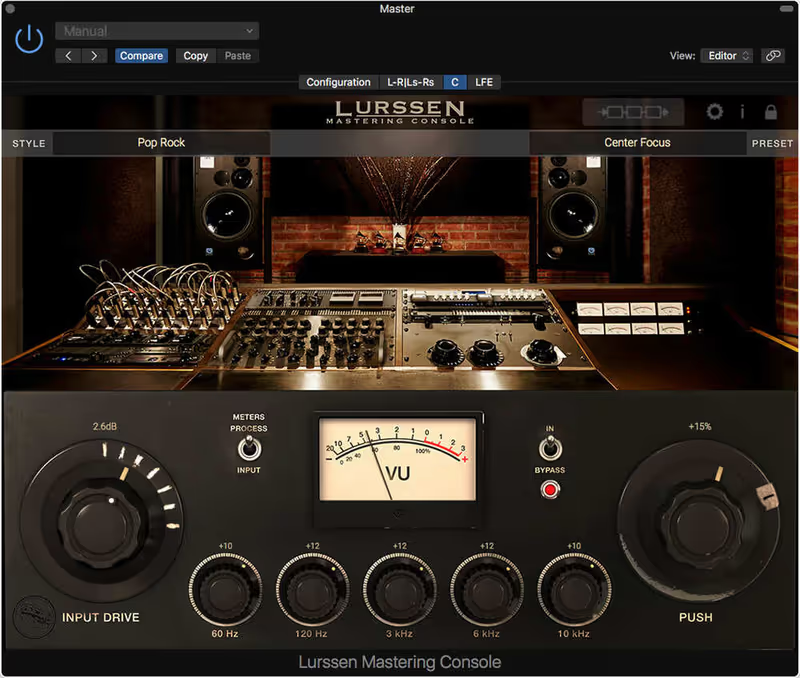
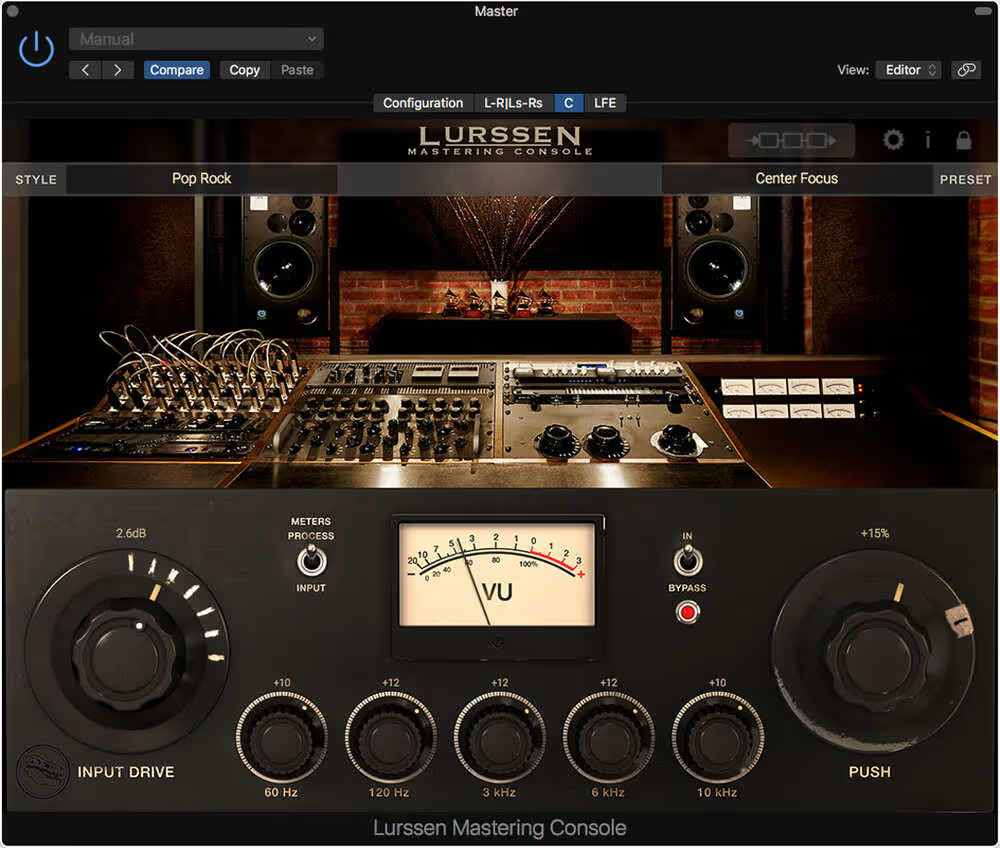
Lurssen is a model of one mastering team’s actual chain, presented as a single console with a small number of controls. A Chain view lets you look at the modelled units and alter some of their settings, and the shape of the path is fixed. You cannot reorder it, swap a module for your own plugin or add a stage that is not already there.

That is the whole comparison. Everything below follows from it.

Speed against control

Lurssen reaches a convincing result faster than anything else in this category. Load a style, push the input, and a mix that sounded like a demo sounds like a record. For a composer sending a cue to a director who will play it on a laptop, that is frequently the entire requirement.

The FabFilter set will beat it given an hour and an engineer who knows what to do with that hour. It will also lose to it badly given twenty minutes and someone who does not, because precise tools in untrained hands produce precise mistakes.

What you give up with a locked chain

The cost of Lurssen is that when something is wrong you can only fix it within the shape somebody else chose. If the model is adding mid range weight your cue did not need, the Chain view will show you which unit is doing it and let you reach some of its settings, and what you cannot do is remove that unit or put a different one in its place. On material the chain suits, this never comes up. On material it does not, the options run out quickly.

Composers writing orchestral and hybrid cues hit this more often than pop producers do, because a dense orchestral master and a dense rock master want different things from a compressor and the console was voiced for one of them.

Transparency

FabFilter is the transparent one and deliberately so. It adds no analogue weight, which is a real limitation if what your master needs is exactly that, and a real advantage if you want to hear your mix rather than a plugin’s opinion of it.

Lurssen colours everything, which is most of why it works. The two are not competing on this axis so much as answering different briefs.

Cost

The FabFilter bundle costs several times what the console does, and that gap is smaller than it looks, because the bundle is four tools that get used across every mix rather than a mastering purchase. Judged as a mastering chain alone it is expensive. Judged as the equaliser, compressor and limiter you will use on individual tracks all year, it is not.

Side by side

FabFilter Mastering BundleLurssen Mastering Console
Signal pathYou build itFixed shape, some settings reachable
CharacterTransparent, adds nothingColoured, adds weight
Time to a resultSlower, then repeatableUnder a minute
When it goes wrongYou can see and fix itAdjust within the chain, never rebuild it
MeteringBest in the categoryVU meters and a waveform view
Also useful forEvery mix, every trackMastering only

Which one

If you are a composer who resents mastering and wants cues that sound finished, buy the console. It is cheaper, it is faster, and the control you are giving up is control you were not going to use well.

If you are prepared to learn, buy the FabFilter set, and accept that the first twenty masters will be worse than the console would have produced. The reason to do it anyway is that the ceiling is far higher and the tools do not stop being useful when you leave the mastering chain.

Buying the console as a stopgap and the tools later is a defensible plan. Buying the tools and never learning them is the expensive mistake, and it is the more common one. The rest of the category is in the mastering plugin roundup.
Mastering Bundle

Best for Surgical EQ

The most precise and best-metered tools on this list, and the ones least likely to add any character of their own.

Score
9.0
out of 10

How it scored

  • Sound Quality 8.5

    Extremely transparent, with no analogue warmth on offer.

  • Workflow Speed 8.5

    Fast once you trust your ears over the display.

  • CPU Footprint 9.2

    120 MB and very light across a chain.

  • Metering & Control 9.8

    The best interface in mastering software. Nothing else is close.

Why we picked it

A visual alternative to listening blindly. Best for precise equalization and multiband control.

Who should skip it

Avoid if you fall into the trap of mixing with your eyes instead of your ears.

The good

  • Best interface available
  • Extremely transparent
  • Low CPU footprint

The bad

  • Visuals can distract
  • Expensive bundle
  • No analog warmth
Engine
VST/AU/AAX
Type
Mastering Bundle
Size
120 MB
Price
$519
Why it scored that way

Transparent EQ, dynamics and limiting with the best metering on this page.

The bundle is four separate plugins rather than a single suite window. Pro-Q 4 handles corrective and broad tonal EQ, Pro-C 3 and Pro-MB handle full-band and multiband dynamics, and Pro-L 2 sits at the end as the limiter. You order them yourself, which is the reason to buy it and also the way to get it wrong.

The case for it is metering and control. The graphical EQ display makes a low-end buildup under a kick or a resonance in the low mids quick to locate, and Pro-L 2's loudness and true peak readouts are detailed enough to deliver against a stated figure. At around 120 MB for the set, it is also the lightest entry here on CPU.

The friction is the same display. It is easy to over-EQ by reacting to the spectrum analyser instead of listening, and nothing in the four plugins adds saturation or analogue colour. A thin master comes out exactly as thin as it went in, so this bundle usually needs a coloured processor alongside it.

Heard on
Electronic Producers Top Tier Studios Bedroom Producers
Check price $519
02 IK Multimedia Best Value

Lurssen Mastering Console

Best for Quick Mastering

Not tested by us, assessed from specs and documented behaviour

A finished-sounding master in thirty seconds, and a chain you can look inside but not rebuild.

Assessed score
6.5
out of 10

How it scored

  • Transparency 6.0

    Colour is the product. It sounds like a chain, not like nothing.

  • Loudness Control 7.5

    Competitive level, arrived at by Style rather than by decision.

  • Workflow Speed 9.6

    Style, input drive, one macro EQ. Best here by a distance.

  • Flexibility 3.0

    Chain view reaches some parameters. Nothing can be reordered or swapped.

Why we picked it

Best for composers who master their own cues, resent doing it, and are judged on the music rather than the master.

Who should skip it

Skip it if you want to build mastering as a skill, because the ceiling here is fixed at the level of somebody else's chain.

The good

  • Released sound in under a minute
  • Chain view opens the hood
  • Cheapest bundle on this page

The bad

  • Chain order cannot be changed
  • Modules cannot be swapped out
  • Voiced for records, not cues
Format
VST/AU/AAX
Protection
IK Product Manager
Chain
Fixed order, settings editable
Price
$99
Why it scored that way

One room's chain, in the order that room uses it. The controls you get are three, and that is the product.

This models the chain used by Gavin Lurssen and Reuben Cohen at their mastering room in Los Angeles. The modelled units are a tube equaliser, a solid state equaliser, two tube limiters, a solid state de-esser and a solid state compressor, running in the order that room runs them. Three controls reach them: an input drive, a five band equaliser on fixed frequencies, and a Push control that nudges those bands together.

The order is the product rather than the processors. Six units of this kind are available from any developer, and what is being sold here is which one comes first and roughly where each sits, which is the part that takes a career to learn rather than an afternoon. Forty Styles configure the whole chain for different kinds of material, and choosing between them is most of the work.

The chain is not the sealed box it is often described as. A Chain view shows the individual modelled units and lets some of their settings be altered and saved back as a custom Style. What it will not do is let you reorder them, remove one, or put a plugin of your own in the middle.

Two things go wrong on orchestral material specifically. The chain was voiced for records, so on a dense cue with low brass it can add mid range weight that was not needed, and the Styles built for rock are actively unhelpful there. It also produces something that sounds released before you have checked whether it is correct, which is a real hazard on a cue that has to serve a picture rather than a playlist.

Heard on
Client Demos Library Music Songwriting

Price history and lowest recorded price

Check price $99

Pick Mastering Bundle if

You deliver your own masters, you want to see what every stage is doing, and the idea of a chain you cannot open is the reason you would not buy the other one.

Pick Lurssen Mastering Console if

You are a composer, not an engineer. The cue is due, it needs to sound loud and glued, and you would rather spend the hour on the music.

Written By

Louis Raveton

Louis works across immersive scores (Venice Biennale, LVMH) and animation (Canal+), while producing Downtempo and Electro-Dub as Monsieur Shwill and Flagada. He treats his sample drive like a record collection, constantly hunting for the perfect 'imperfect' texture

Related Guides

All Guides →

New reviews, no noise

Occasional email when we publish something worth your time. No daily digest, no vendor press releases.

We store only your address, never sell it, and delete it as soon as you unsubscribe. See our privacy policy.