
3 Best Mastering Plugin Bundles (2026)

If your final masters are consistently quieter and narrower than commercial releases, your processing chain is flawed.

Henry Foster
By Henry Foster

Henry is a mixing engineer with a background in broadcast and post-production. He obsesses over signal flow, gain staging, and the subtle coloration of analog-modeled plugins. His reviews focus on technical precision, CPU efficiency, and UI workflow.

Finding the best mastering plugin bundles is absolutely essential if you want your music to compete on modern streaming platforms. Throwing a basic brickwall limiter on your master bus simply cannot achieve the competitive loudness and clarity required today. The top mastering suites provide an interconnected chain of equalizers, multiband compressors, and maximizers designed to work together perfectly.

You need a cohesive toolkit that allows you to subtly polish your mix without introducing harsh digital artifacts or aggressive pumping. A comprehensive bundle completely replaces the need to slowly assemble an expensive, fragmented collection of single-purpose mastering tools over time. The right suite depends heavily on your workflow, such as preferring incredibly transparent digital processing or warm, vintage analog emulation.

ModWheel is reader-supported. When you buy through links on this page we may earn an affiliate commission, at no extra cost to you. This never influences which products we recommend, read our testing methodology.

Pick one in 10 seconds

Short version

Compare all 3

Mastering Bundle 9.1
Protection
Serial Key
Protection
IK Product Manager
Protection
iLok
Read more →

Methodology

Who is this for

Working composers and producers who need reliability, speed, and character for professional scoring tasks.

Our testing process

Where we have tested a product, we do it in actual production scenarios, ranging from rapid sketches to commercial pitches, and we evaluate it in a dense template rather than in isolation. Where we have not, the product card says so and the assessment is drawn from specifications and documented behaviour instead.

Why you should trust us

We buy most reviewed plugins ourselves. Occasionally we receive NFRs for evaluation, but this never guarantees a review or positive verdict. We may earn commissions from links, but our editorial choices are never for sale.

Also considered

For every category, we audition the top 8 to 15 standard options, discarding any that suffer from poor scripting, slow load times, or uninspiring sampling.

Top Picks

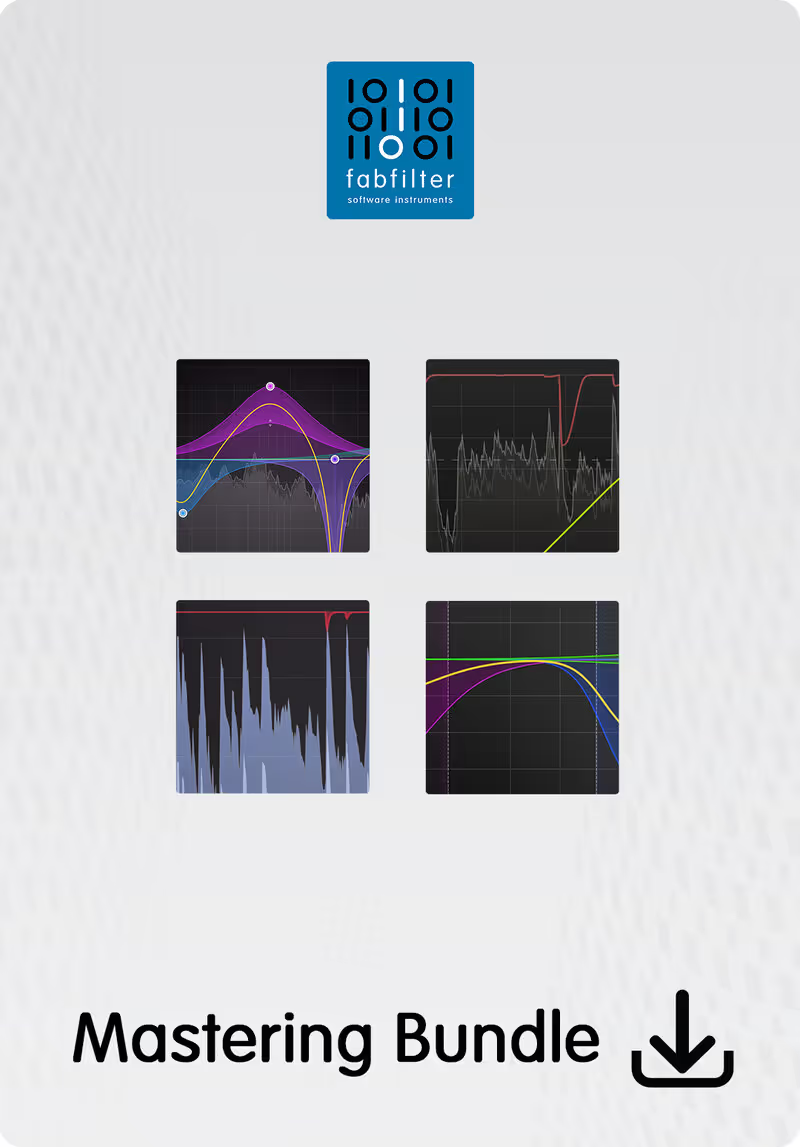
01 FabFilter

Mastering Bundle

Best for Transparent Mastering

The most loudness per decibel of damage on this page, and no help at all if the mix needed warming rather than finishing.

Score
9.1
out of 10

How it scored

  • Transparency 9.5

    Nothing is added. That is the entire design brief.

  • Loudness Control 9.4

    Pro-L 2 holds transients at levels where most limiters start pumping.

  • Workflow Speed 8.8

    Resizable vector interfaces and a consistent layout across the three plugins.

  • Flexibility 8.5

    Three separate plugins you order yourself, rather than a fixed chain.

Why we picked it

Best for transparent mastering because the incredibly clean algorithms allow you to achieve massive loudness without introducing analog coloration.

Who should skip it

Avoid if your primary goal is adding heavy vintage saturation, tube warmth, or tape compression to a sterile digital mix.

The good

  • Industry standard Pro-L 2 limiter
  • Incredibly transparent processing algorithms
  • Brilliant, resizable vector user interfaces

The bad

  • Provides zero analog warmth or color
  • Premium pricing for the complete bundle
  • Can feel slightly clinical or sterile
Format
VST/AU/AAX
Protection
Serial Key
Price
$519
Why it scored that way

FabFilter provides the absolute benchmark for surgical, transparent digital mastering processing.

The FabFilter Mastering Bundle equips you with an incredibly surgical toolkit that focuses entirely on transparent, artifact-free processing. The Pro-L 2 limiter is absolutely legendary, allowing you to push your masters to extreme commercial loudness levels without squashing your transient dynamics. I use this bundle exclusively when mastering pristine pop and electronic music because it never imparts any unwanted vintage coloration onto the audio.

Because it is so relentlessly transparent, it is completely useless if you want to add thick, gooey analog warmth to a sterile mix. Despite this intentional lack of color, it remains the absolute best modern alternative to bloated, heavy analog emulation suites. The intuitive, resizable vector interfaces across the entire bundle make incredibly precise frequency and dynamic adjustments absolutely effortless.

Heard on
Dave Pensado Skrillex Ian Kirkpatrick
Check price $519
02 IK Multimedia

Lurssen Mastering Console

Best for Quick Mastering

A finished-sounding master in thirty seconds and no way to disagree with any decision inside it.

Score
6.3
out of 10

How it scored

  • Transparency 6.0

    Colour is the product. It sounds like a chain, not like nothing.

  • Loudness Control 7.5

    Competitive level, arrived at by preset rather than by choice.

  • Workflow Speed 9.6

    Genre preset, input drive, one macro. Best here by a distance.

  • Flexibility 2.0

    The chain is locked and individual modules cannot be bypassed. Lowest here.

Why we picked it

Best for rapid demo mastering because the locked signal chain provides a massive, glued sound almost instantly.

Who should skip it

Avoid if you demand total control over your signal flow and want to heavily tweak complex multiband parameters.

The good

  • Incredibly fast, immediate results
  • Beautifully modeled analog warmth
  • Perfect for musicians who hate mixing

The bad

  • Completely locked internal signal chain
  • Zero advanced tweaking capabilities
  • Cannot bypass individual processor modules
Format
VST/AU/AAX
Protection
IK Product Manager
Price
$99
Why it scored that way

This plugin provides an incredibly fast, entirely pre-configured mastering chain based on elite professional hardware.

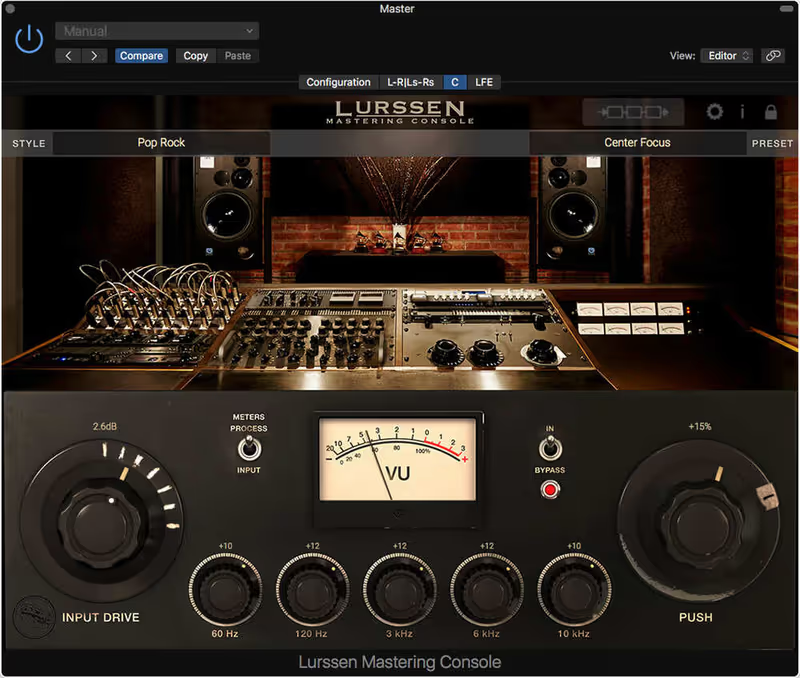
The Lurssen Mastering Console takes a completely rigid approach, locking you into a predetermined chain of modeled equalizers, compressors, and de-essers. You simply select a genre preset, adjust the input drive, and slightly tweak a massive macro EQ knob to perfectly finalize your track instantly. I frequently use this tool when throwing together quick demos for clients because it provides an incredibly glued, cohesive sound in under thirty seconds.

Because the entire signal chain is completely locked, you cannot rearrange the processors or swap out the limiters for your own preferred plugins. Even with this extreme lack of flexibility, it is a fantastic alternative for musicians who do not want to learn the complexities of advanced multiband mastering. The analog modeling perfectly captures the warm, thick glue associated with high-end tube and solid-state hardware.

Heard on
Gavin Lurssen Reuben Cohen Various Artists
Check price $99
03 Softube

Weiss Complete Collection 2

Best for Elite Mastering

The tools an actual mastering house uses, at a price that only makes sense if mastering is what you do.

Score
8.3
out of 10

How it scored

  • Transparency 9.6

    Ported from the hardware rather than modelled after it. Best on the page.

  • Loudness Control 8.5

    Precise dynamic control, without a limiter in the Pro-L class.

  • Workflow Speed 7.0

    Hardware screens reproduced at hardware size. Cramped on a large display.

  • Flexibility 8.0

    A full set of processors, each aimed narrowly.

Why we picked it

Best for professional mastering engineers because it utilizes the exact digital code ported directly from legendary hardware units.

Who should skip it

Avoid if you are a casual hobbyist who cannot justify spending nearly a thousand dollars on digital equalizer plugins.

The good

  • Exact 1:1 code port of legendary hardware
  • Unmatched transparent dynamic processing
  • Incredibly surgical minimum-phase equalizer

The bad

  • Extremely expensive premium price tag
  • Interface screens feel slightly cramped
  • Requires iLok account authorization
Format
VST/AU/AAX
Protection
iLok
Price
Check site
Why it scored that way

Softube literally ported the exact source code from the hardware units used in world-class mastering facilities.

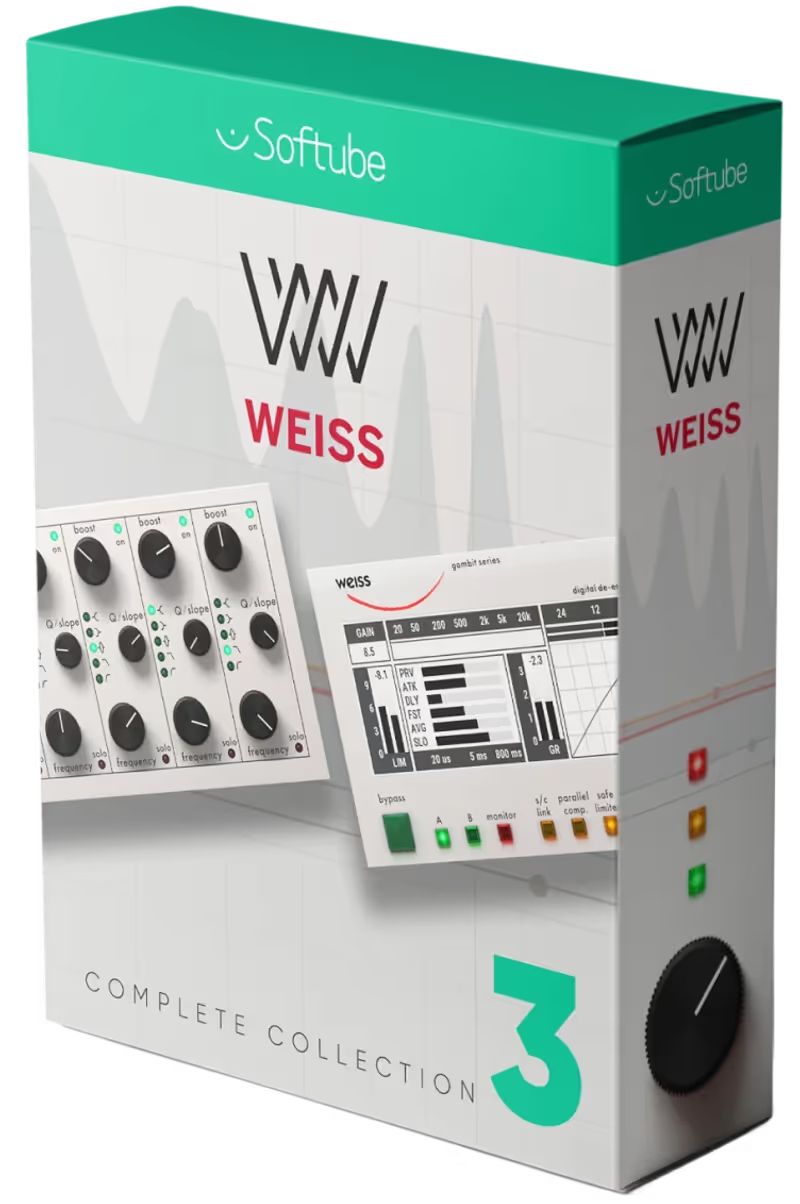
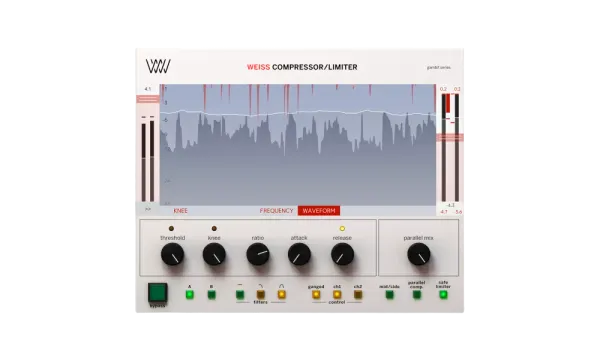
The Weiss Complete Collection provides the absolute pinnacle of transparent digital mastering, utilizing the exact algorithms found in the legendary hardware counterparts. The DS1-MK3 compressor is incredibly surgical, allowing you to smoothly tame harsh vocal sibilance and aggressive cymbals without dulling the entire master bus. I rely on the Weiss EQ1 when I need absolute minimum-phase precision to correct problematic mix resonances without altering the fundamental character.

The extreme premium price tag makes this bundle entirely inaccessible for casual bedroom producers and hobbyists on a budget. Despite the massive financial barrier, it is the absolute best FabFilter alternative if you demand the exact tools used by elite mastering engineers. The interface is visually identical to the original hardware screens, which can feel slightly cramped compared to modern resizable vector displays.

Heard on
Bob Katz Bernie Grundman Sterling Sound

Frequently Asked Questions

What does mastering actually do?

It sets the final tonal balance and level of a finished mix, and makes a set of tracks sound like they belong together. On a single cue that mostly means correcting broad tonal tilt and controlling peaks. Across an album or a set of library tracks it also means matching them so nothing jumps when one follows another.

Do I need a bundle or will individual plugins do?

A bundle buys you a coherent chain and one interface, which matters more in mastering than in mixing because the stages interact. Individual plugins let you pick the best limiter and the best EQ from different developers, at the cost of matching their metering and workflow yourself. Either works, and mixing and matching takes longer.

How loud should a master be?

For streaming, loudness normalisation means anything much above 14 LUFS integrated gets turned down again, so pushing further costs dynamics and gains nothing. Trailer and cinema delivery is a different world with its own specifications, and if a client has given you one it overrides every general rule.

Can I master my own mixes?

Yes, and the two real risks are your room and your ears. You have heard the mix hundreds of times, so the small tonal decisions mastering exists to make are exactly the ones you are least able to judge. Leave a day between finishing the mix and mastering it, and check on as many systems as you can.

Written By

Henry Foster

Henry is a mixing engineer with a background in broadcast and post-production. He obsesses over signal flow, gain staging, and the subtle coloration of analog-modeled plugins. His reviews focus on technical precision, CPU efficiency, and UI workflow.

Related Guides

All Guides →

New reviews, no noise

Occasional email when we publish something worth your time. No daily digest, no vendor press releases.

We store only your address, never sell it, and delete it as soon as you unsubscribe. See our privacy policy.