Tested in our studio
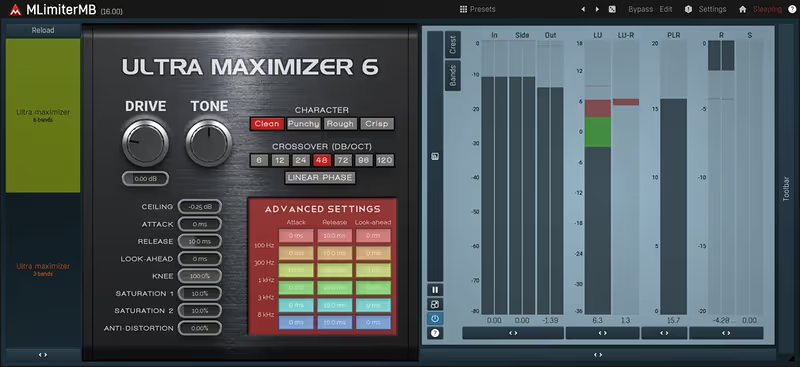
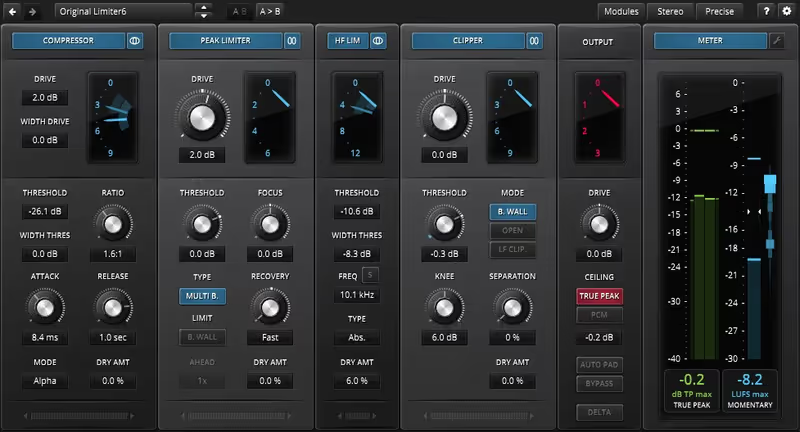
The only limiter here that can rescue one misbehaving band without touching the rest, and the one most likely to cost you an afternoon.
How it scored
- Transparency 7.5
Clean if you set it well, and there is a lot to set.
- Control Depth 9.5
Custom crossovers and per-band saturation. Nothing else is close.
- Workflow Speed 4.5
Cluttered and unforgiving. Lowest here by a distance.
- CPU Footprint 5.0
Heavy exactly where this page tests it, on dense sessions.
Why we picked it
Best for complex mixes where specific frequency bands need targeted limiting.
Who should skip it
Avoid if you want a simple one-knob interface and fast workflow.
The good
- Extreme multiband control
- Customizable crossover filters
- Built-in saturation modules
The bad
- Unforgiving learning curve
- Cluttered user interface
- High CPU usage on dense projects
- Format
- VST/AU/AAX
- Authorization
- Serial
- Price
- $165
Why it scored that way
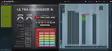
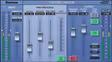
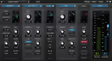
The interface looks like a discarded spreadsheet but the granular control is undeniably powerful.
Multiband limiting is usually a shortcut to destroying a mix, but this plugin is different. I used this on a deadline last week when a heavy bass synth was completely masking the string section. By clamping down specifically on the low-mid frequencies, I could pull the neon textures back into focus. It feels like surgery rather than brute force. The learning curve is absolutely brutal and the UI design is stuck in the past decade.
Despite the terrible visual experience, it is one of the best limiter plugins for surgical correction. You can isolate a specific frequency range and compress it until it feels like crushed rust. It handles overly resonant low frequencies without pumping the entire track. This isn't for detail-oriented programming out of the box, but it's perfect for sketching a loud master quickly.